
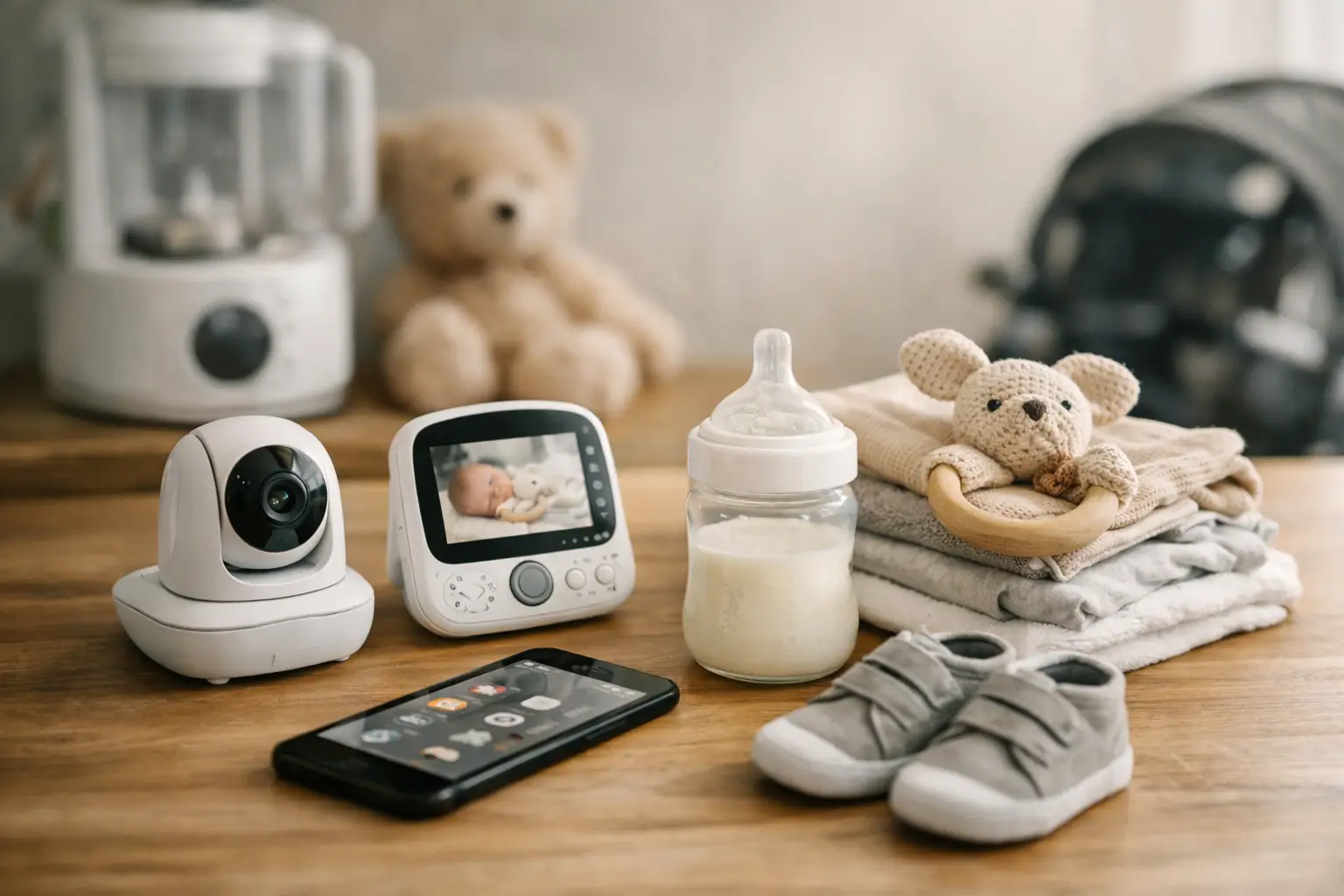
What does a tired parent actually need from a tool? Rarely a “best parenting system.” More often, a fast answer to “When did the baby last eat?” The best new parent tools answer that question quickly, with one hand free and very little brainpower left.
The early months come with a surprising amount of information to remember: feed times, ounces or minutes, diapers, sleep stretches, medicine times, appointments, and the small observations you want to mention at the next pediatrician visit. Helpful tools do not turn your home into a command center. They reduce the mental tabs you have open so you can focus on the baby in front of you.
Quick answer: The new parent tools that earn their place are the ones you use every day without thinking: a simple baby tracker for feeds, sleep and diapers, a stocked feeding station, a dimmable night-light, and one visible spot for handoff notes. Keep a tool if it saves time or answers a repeated question; drop it if it mostly creates alerts and guilt.
This guide is general information, not medical advice. Every baby is different, so ask your pediatrician or health visitor about your own baby.
Disclosure: Digital Traffic Labs makes FeedRight. We mention it where it fits and explain our criteria, so you can judge every option for yourself.
What should new parent tools actually do?
A useful tool has a small, clear job. It should be faster than writing a note on the fridge, easier than searching through a text thread, and calm enough to use when you are tired.
That sounds obvious, but many products for parents try to do everything at once. They offer communities, articles, shopping lists, milestone libraries, photo albums, and more settings than anyone needs during a night feed. Those features may be valuable for some families. But when the immediate need is logging a bottle, extra screens become friction.
Start with the routine that creates the most guesswork in your day. For many families, that is feeding. For others, it is tracking diapers in the first weeks, or keeping sleep notes when two caregivers are trying to compare notes. Choose a tool that makes that one job lighter first. Our list of lightweight parenting tools for busy days shows what that looks like in practice.
Why start with a simple tracking app for the daily basics?
A baby tracker is often the most practical place to begin because it turns scattered details into a shared record. Instead of asking, “Did she eat at 10 or 11?” you can check. Instead of trying to remember which side you nursed on last, you have a simple reference, whether an app or a notebook.
The details worth tracking depend on your baby and your care team. Feedings, diapers, pumping, sleep, and growth are common categories. You do not need to log every possible data point just because an app offers it. If tracking solids helps you spot a pattern, use it. If it makes you feel behind on paperwork, skip it.
For co-parents, a shared log removes a lot of tiny misunderstandings. One person can take over after a nap without a verbal recap of every bottle and diaper. It also helps when grandparents, a nanny, or a babysitter help regularly. The goal is not surveillance. It is a clean handoff.
Keep the data useful, not perfect
New parents often feel pressure to record everything precisely. But a baby log is there to support you, not grade you. If you miss a sleep entry or forget to log one diaper, simply pick back up at the next one.
Patterns matter more than flawless records. A few days of feeding notes may help you see that evening cluster feeding is part of your baby’s rhythm. A simple nap log might show that a late-afternoon nap is affecting bedtime. If you are concerned about feeding, diapers, weight gain, or illness, the record can also help you give your pediatrician a clearer picture.
Which non-app tools pull their weight?
Digital tools are only part of the picture. The most helpful setup usually includes a few physical basics placed where you need them, rather than a giant collection of baby gear. The AAP’s guide to bringing baby home is a calm overview of the early days.
A simple feeding station saves a lot of unnecessary trips across the house. Depending on how you feed your baby, it might include burp cloths, water, a phone charger, snacks, nipple cream, a bottle, or a small lamp. The useful part is that it is ready before you sit down with a hungry baby.
A dimmable night-light is another small upgrade with a big payoff. Bright overhead light can make middle-of-the-night care feel more disruptive for everyone. A soft light lets you check a diaper, measure a bottle, or find the pacifier without fully waking the room.
For handoffs, use one visible spot for the basics: a whiteboard, a paper pad, or a shared note. Write down only what needs action, such as “more diaper cream in the bathroom” or “call the pediatrician about the rash.” A tracker holds the history. This kind of quick note handles the next step.
Together, the small toolkit looks like this.
| Tool | Its one job |
|---|---|
| Simple baby tracker | A shared record of feeds, sleep and diapers |
| Feeding station | Supplies ready before you sit down with a hungry baby |
| Dimmable night-light | Check a diaper or measure a bottle without waking the room |
| One handoff spot | A whiteboard, pad or shared note for the next step |
When does a tool start adding stress?
There is a point where tracking stops helping. If you are checking numbers compulsively, losing time to notifications, or feeling anxious because a day does not match an app’s suggested schedule, scale back.
Babies are not spreadsheets. They have growth spurts, off days, travel days, sick days, and mysterious days where the plan disappears before breakfast. Tools can show patterns, but they cannot predict your child or replace your judgment. The same is true for baby monitors, smart scales, and algorithm-heavy sleep products. Some parents find them reassuring; others find the constant stream of data makes it harder to rest.
A quick way to decide:
- Keep it if it saves time every day.
- Keep it if it answers a question you ask again and again.
- Keep it if it makes handoffs with another caregiver easier.
- Drop it if it mainly creates alerts, guilt, or a second copy of information you already have.
How do you build a setup that works at 3 a.m.?
Set up your toolkit around the moments that happen most often. Put the diaper supplies where changes actually happen. Keep feeding essentials within reach of the chair you use at night. Choose one app or one shared record for daily tracking so information does not get split across three places.
Then give the system a week before changing it. You may realize you need a second charger by the couch, a basket upstairs, or a faster way to log a bottle while holding the baby. Those small adjustments are how a routine becomes your routine.
You also do not have to solve every future parenting problem now. A newborn does not need a color-coded activity calendar. Start with the questions that come up every day, and let the rest wait.
How FeedRight helps
We built FeedRight Baby Tracker to be the tracker in that small toolkit. It logs feeds, sleep and diapers in one tap on iPhone, Apple Watch and Android, needs no account, and works offline. FeedRight Premium, an optional subscription, adds family sync so both parents see the same record. FeedRight is not a medical device, so questions about your baby still belong with your pediatrician. Look for it on the App Store or Google Play.
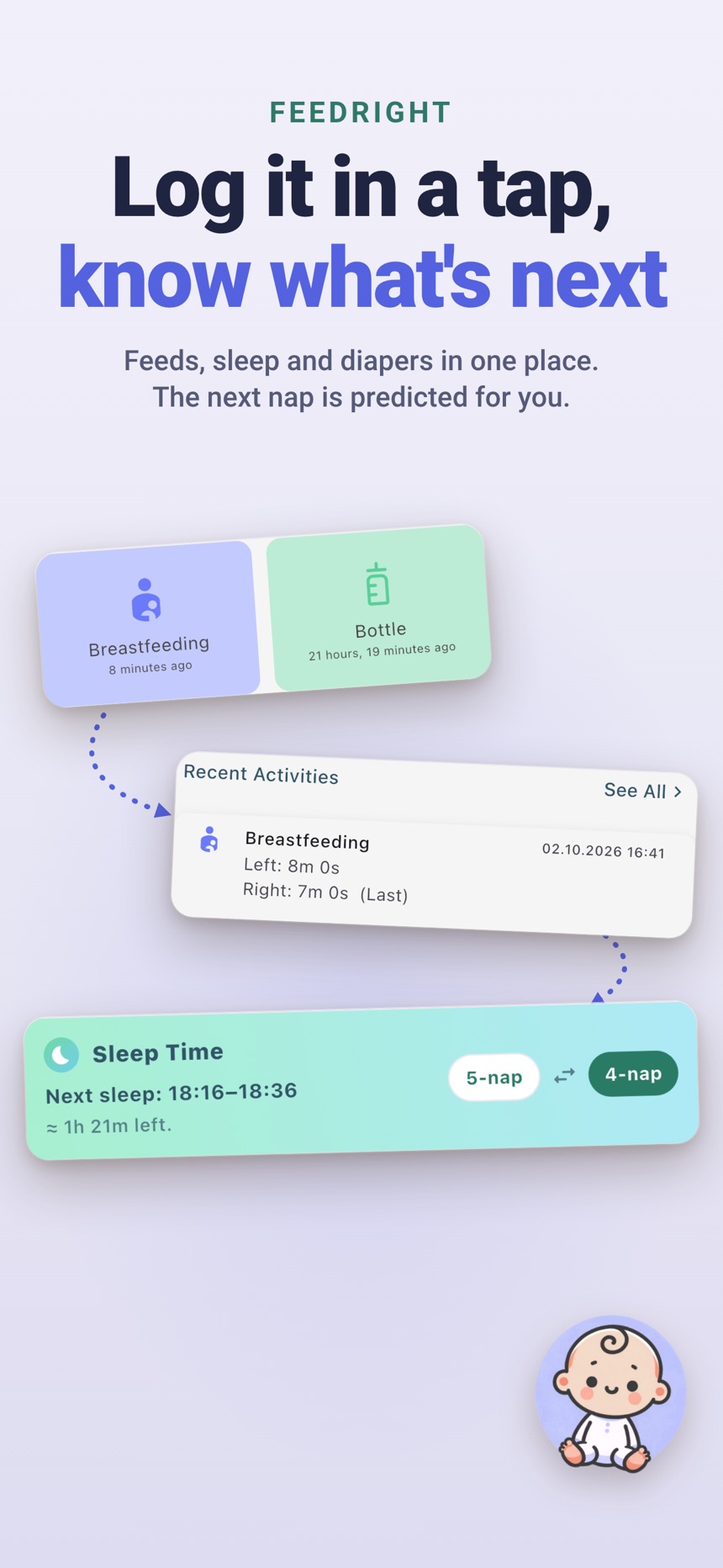
- Check the time since the last feed before you start the next one.
- Log pumping, growth, medicine and temperature when you need them, and ignore them when you do not.
- Use dark mode for calmer night feeds.
The best tools are often the quietest ones: the app that helps both parents stay on the same page, the night-light that keeps a feeding calm, and the note that prevents one more tired conversation. Pick the few that make your day feel a little less crowded.
Frequently asked questions
What tools do new parents actually need?
Most families get the most value from a simple baby tracker, a stocked feeding station, a dimmable night-light and one shared spot for handoff notes. Everything else can wait until you know you need it.
Is a baby tracker app worth it for new parents?
For many families, yes, because it answers “when did the baby last eat?” instantly and keeps caregivers on one record. A notebook works too if you prefer paper.
What should be in a night feeding station?
Burp cloths, water and a snack for the feeding parent, a phone charger, a soft light, and whatever your feeding method needs, such as a bottle or nipple cream.
How do I know if a parenting tool is adding stress?
If you check numbers compulsively, feel guilty when a day does not match the app, or mostly get alerts, scale back or remove it.
Do new parents need a baby monitor or smart gadgets?
Not necessarily. Some parents find baby monitors, smart scales or sleep gadgets reassuring, while others find the constant stream of data makes it harder to rest, so add a gadget only if it solves a problem you have every day.
Where should I set up a diaper changing station?
Put diapers, wipes and diaper cream where changes actually happen, and keep a small spare set near the place you feed at night. A basket on each floor saves trips across the house.