
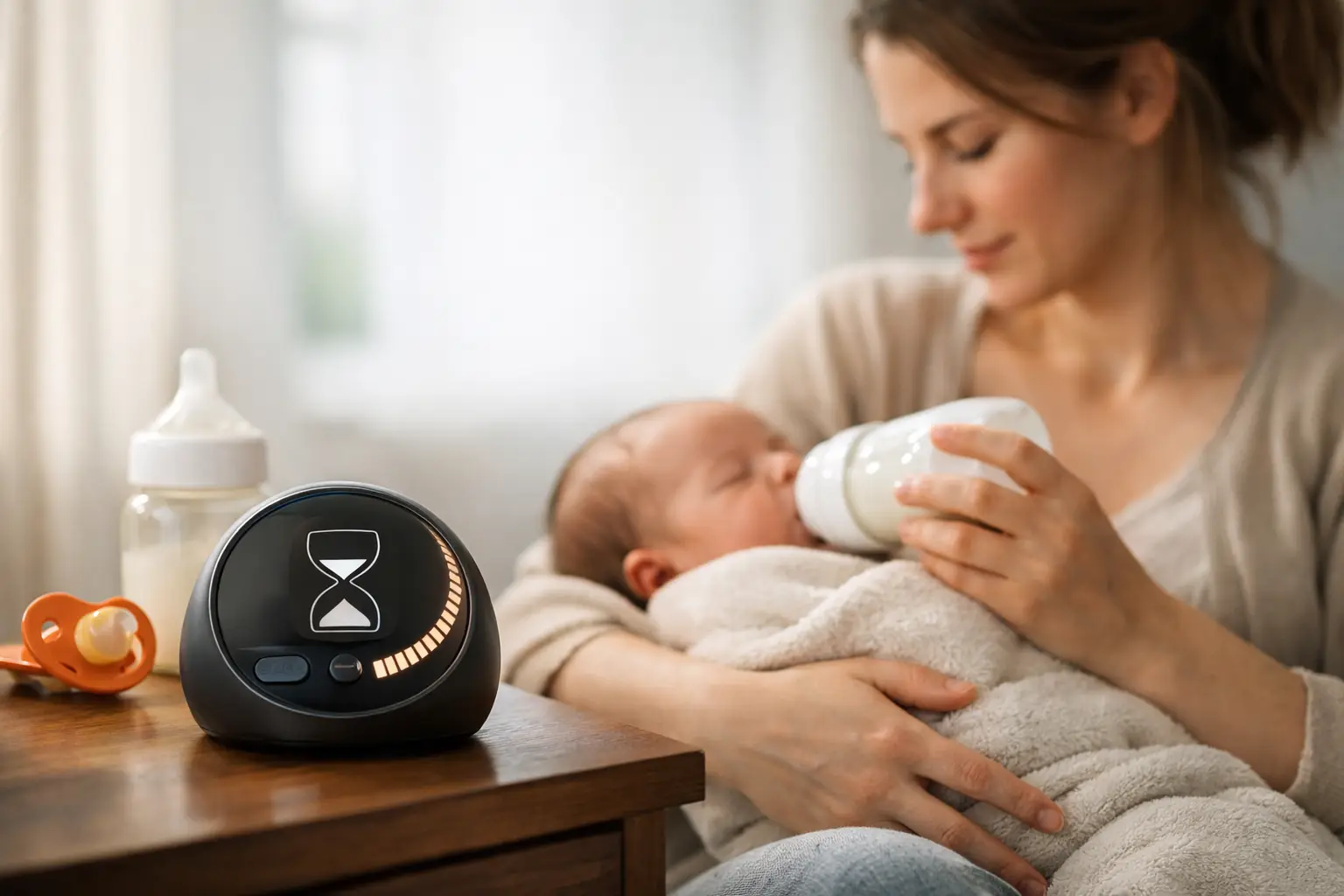
Most feeding questions in the newborn weeks boil down to one: When did the baby last eat? A feeding timer for newborns gives you a fast answer when you are tired, your partner is tired, and the day has started to feel like one long loop of bottles, burp cloths, and tiny naps.
The goal is not to turn feeding into a rigid schedule. Newborns need to eat often, and their needs can change quickly. A simple timer keeps the useful details close at hand, so you can respond to your baby without reconstructing the last few hours from memory.
Quick answer: A feeding timer for newborns records when each feed starts and ends, shows how long ago your baby last ate, and can note which breast you finished on or how much a bottle held. Use it as a memory aid, not a rule: feed on hunger cues, and follow your pediatrician’s advice if you are asked to wake your baby for feeds.
This guide is general information, not medical advice. Every baby is different, so ask your pediatrician or health visitor about your own baby.
What does a feeding timer for newborns actually do?
At its simplest, a feeding timer records when a feed starts or ends and shows how much time has passed since then. Depending on how you feed, it may also let you log which side you nursed on, the length of a nursing session, or the amount in a bottle.
That sounds small, because it is. But early parenthood is made of small details that become hard to hold onto. Did the last bottle happen before or after the diaper change? Which side did you start on? Did your partner already feed the baby while you slept for an hour?
A timer turns those questions into a quick glance instead of a guess or a note on the back of a receipt. It is especially useful when two caregivers trade shifts, since the person walking into the room can see the recent feeding history and take over with less back-and-forth. If you are still deciding between a timer and paper, compare a feeding timer versus a notebook.
Should a feeding timer set your baby’s schedule?
No. This is the part that matters most. A feeding timer should help you notice your newborn’s rhythm, not tell you to make a hungry baby wait.
Many newborns feed about 8 to 12 times in 24 hours, sometimes more during cluster feeding, which is in line with the American Academy of Pediatrics overview of how often babies eat. There may be stretches when your baby wants to eat again much sooner than you expected. That can be normal, even if the timer says the last feed was recent. Check with your pediatrician about what is typical for your baby.
Watch your baby first. Early hunger cues include stirring, turning toward touch, bringing hands to the mouth, lip-smacking, or rooting. Crying is often a later cue. If your baby shows signs of hunger, feed them. The timer documents what happened; it does not override it.
Sometimes timing does matter more closely. Your pediatrician may ask you to wake a newborn for feeds, especially in the first days or weeks, if weight gain is being monitored, or if your baby was born early. In that case, follow the plan your child’s care team gives you. A timer makes that plan easier to follow, but it is not medical advice.
What is the easiest way to start tracking feeds?
The best tracking method is the one you can use with one hand. Do not try to capture every possible detail at first:
- Log only the start time of each feed for the first few days.
- Add the side you finished on (breastfeeding) or the amount (bottle) if it helps you.
- Agree with your partner on who logs overnight feeds.
- After a few days, glance at the record for rough patterns, then drop details you never look at.
Here is what to log for each way of feeding.
| Feeding method | What to log | Tip |
|---|---|---|
| Breastfeeding | Start time and the side you started or finished on | A last-side note can be more helpful than minutes per side |
| Bottle feeding | Start time and the amount offered or taken | Prevents accidental double feeds when caregivers share bottle duty |
| Mixed feeding | Nursing, pumping and bottles on one timeline | Track the details your pediatrician or lactation consultant suggests |
For breastfeeding
Start the timer when nursing begins, then record the side you started on if that is helpful. Some parents also track the duration on each side; others find that level of detail distracting, especially once feeding is going well. Either approach is fine.
If you are trying to remember which breast to offer first next time, a simple last-side note can be more helpful than a full record of minutes. Your body and your baby will not always follow the same pattern, so treat the record as a memory aid rather than a scorecard.
For bottle feeding
Log the start time and the amount offered or taken, if you want to track it. This is useful when caregivers share bottle duty, because it prevents accidental double-feeding and shows whether the baby took less or more than usual.
Do not stress over perfect precision. A baby may pause, take a break for a diaper change, or leave part of a bottle. The point is a useful picture of the day, not a flawless data set.
For mixed feeding
Mixed feeding is where a simple app can really reduce mental load. You may be nursing at some feeds, pumping at others, and offering bottles when a partner is on duty. A single timeline helps everyone see what happened without separate notes in several places.
If you are combining feeding methods for supply, weight-gain, or personal reasons, your pediatrician or lactation consultant may suggest specific details to track. Keep your setup focused on those details. More fields are not automatically more useful.
Which feeding patterns are worth noticing?
After a few days, a feeding timer can show patterns that are hard to spot in the moment. You might notice that your baby feeds more often in the evening, takes longer feeds in the morning, or has one predictable stretch of sleep that gives you a chance to rest too.
Those patterns help you plan small things. Fill your water bottle before the usual evening cluster-feeding window. Arrange a handoff before the time the baby commonly takes a longer bottle. Stop worrying that a busy afternoon means something is wrong because you can see it has happened several days in a row. For the overnight stretch, see how to manage night feeds without losing track.
Patterns are not promises, though. Newborn schedules change often, particularly during growth spurts, illness, travel, and developmental changes. Think of the timer as a rearview mirror. It shows where you have been, but it cannot predict every turn ahead.
How do you keep tracking from becoming another chore?
A feeding timer is helpful only if it lowers your stress. If logging starts to feel like homework, simplify it.
Track only start times for a day or two. Skip details you never look at. Let one caregiver log feeds while the other handles diapers or settling. If you miss an entry, add an approximate time or leave it blank. One missed log does not erase the value of the rest of the day.
This is why focused tools tend to work well for new parents. You do not need a dashboard full of charts while holding a sleepy baby. You need a clear button, a clear record, and an answer when someone asks when the last feed was.
When should you call for support?
Tracking makes it easier to share clear information with your pediatrician. A recent feeding record helps you explain how often your baby has eaten, how much they took by bottle, and whether something has changed from their usual pattern.
Contact your child’s pediatrician promptly if your newborn is difficult to wake for feeding, repeatedly refuses feeds, has fewer wet diapers than you were told to expect, seems unusually sleepy or weak, or you are worried about dehydration or weight gain. Trust your instincts. A timer should never make you second-guess a concern that feels real.
The early weeks do not need a perfect system. Set the timer, feed the baby who is in front of you, and let the record carry one small piece of the mental load.
How FeedRight helps
We built FeedRight Baby Tracker around that kind of everyday usefulness, with feeding, sleep, and diaper tracking simple enough to use in the middle of the night. The core timers are free and need no account.
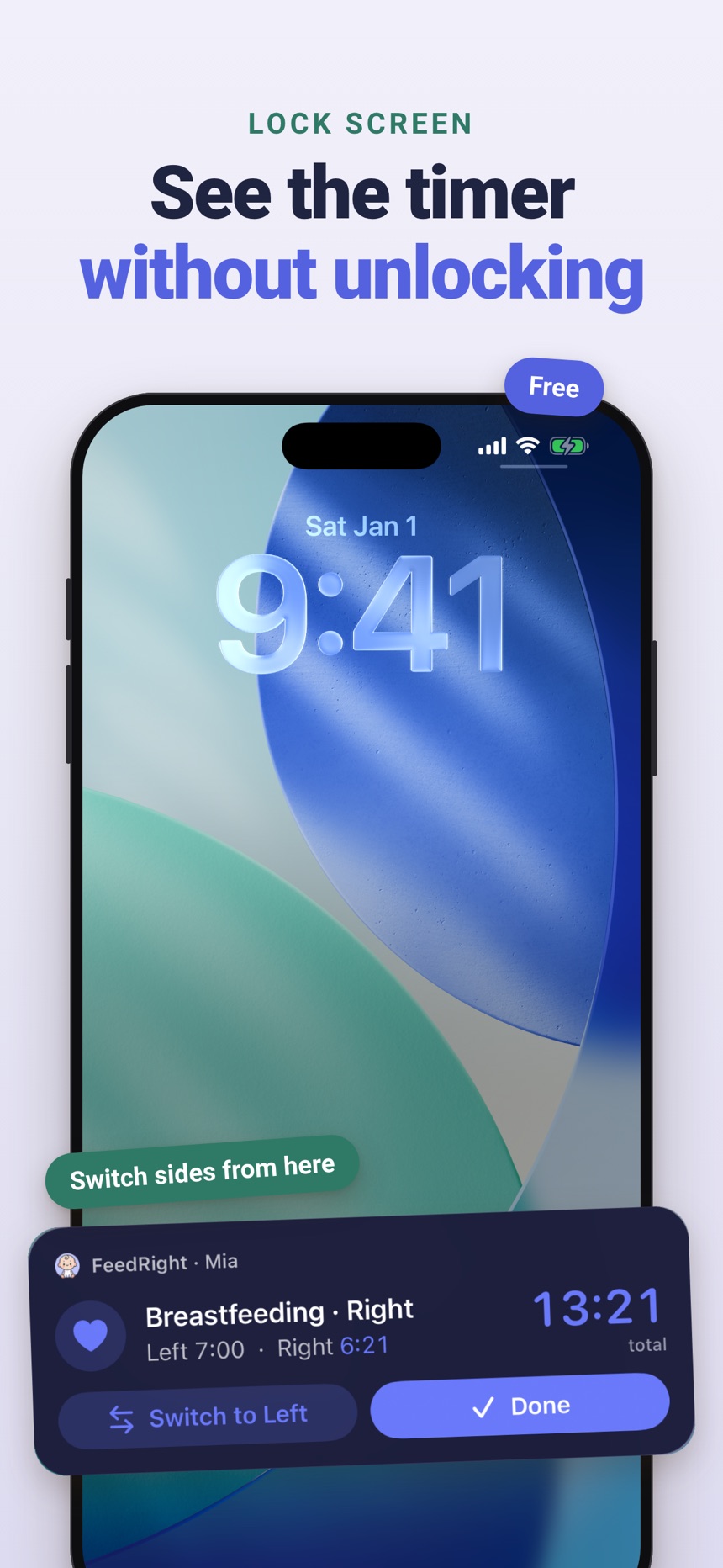
- A breastfeeding timer for left and right, with pause and switch, that remembers the side you finished on.
- How long ago baby last ate, right on the home screen, plus live feed timers on the Lock Screen and Dynamic Island on iPhone.
- Bottle logs in ml or fl oz; with FeedRight Premium, an optional subscription, you can also start or switch sides from Apple Watch.
FeedRight is on the App Store and Google Play.
Frequently asked questions
How often should a newborn feed?
Many newborns feed about 8 to 12 times in 24 hours, and sometimes more during cluster feeding. Feed on hunger cues and check with your pediatrician about what is right for your baby.
Do you time newborn feeds from the start or the end?
Most parents time feeds from the start of one feed to the start of the next. Whatever you choose, use the same method every time so the record stays easy to read.
Should I time how long my baby breastfeeds on each side?
Only if it helps you. Many parents just note the side they finished on so they know where to start next time, and a lactation consultant can tell you if more detail is useful.
Should I wake my newborn to feed?
Some newborns need to be woken for feeds in the first days or weeks, especially if weight gain is being watched or they were born early. Follow the plan your pediatrician gives you.
What is a baby feeding timer?
A baby feeding timer is a simple tool, usually part of a baby tracker app, that records when each feed starts and ends and shows how long ago your baby last ate. Many also note which breast you finished on or how much a bottle held.
Can a feeding timer tell me if my baby drank enough?
No. A feeding timer shows how long and how often your baby fed, but duration does not tell you exactly how much milk your baby took. Wet diapers, weight checks and your pediatrician give a clearer picture.