
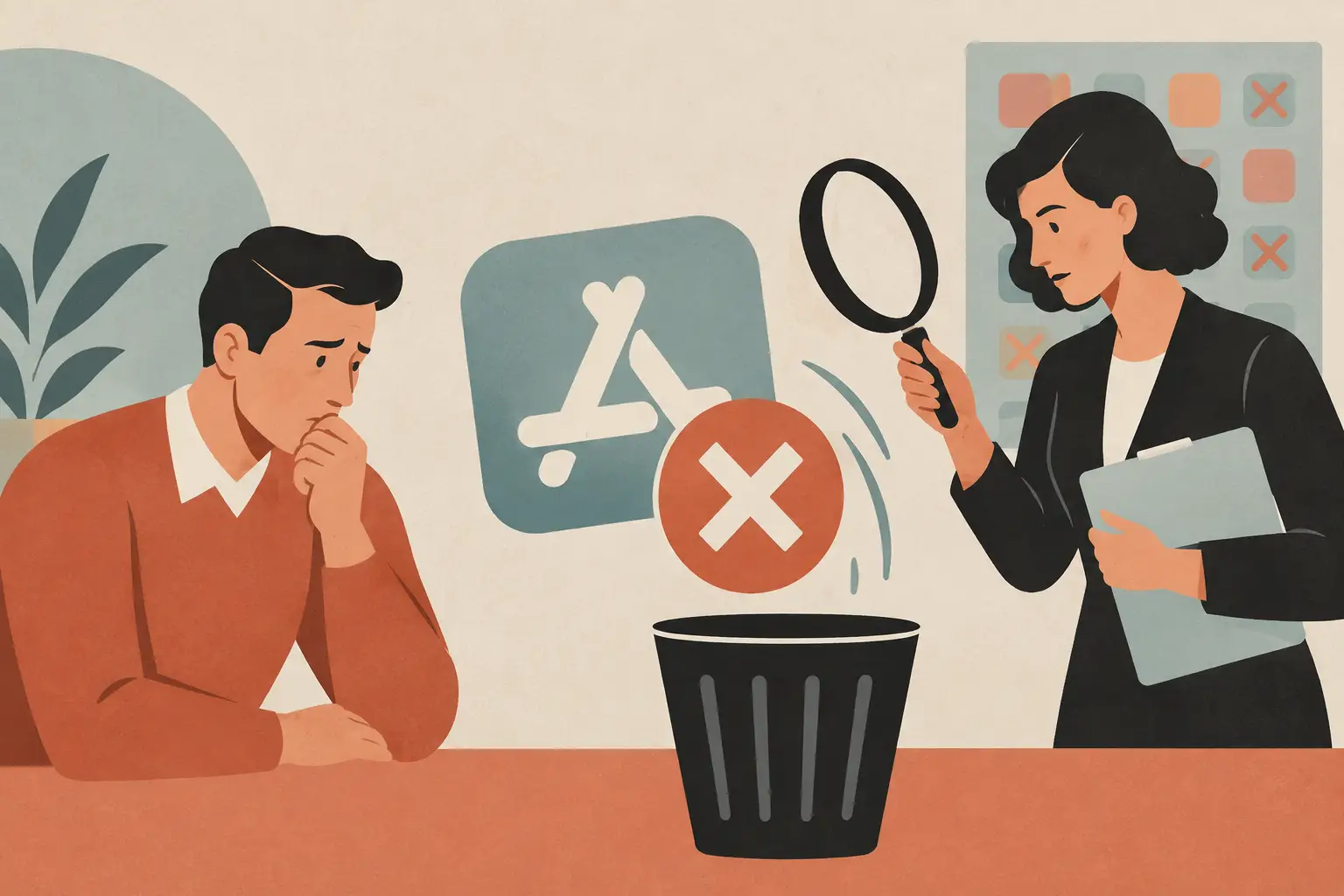
App rejection does not always mean your idea is bad. Often it means the submitted app gave a reviewer a reason to pause. That is frustrating when you have already spent late evenings polishing screens, fixing tiny bugs, and getting ready to share something useful. If you are asking what causes app rejection, the answer is usually less mysterious than it feels.
Quick answer: Most app rejections come from a few avoidable issues: crashes or broken core flows, reviewers who cannot access features, permission and privacy details that do not match the app, store listings that promise more than the app delivers, unfinished screens, and missed category rules. Check each one on a clean install before you submit.
The practical fix is to treat review as part of building, not the last button you press after building is done. A focused pre-submission check can save a resubmission cycle and make the product clearer for real users, too.
What is app rejection?
App rejection is when an app marketplace declines a submitted version because it does not meet its current review requirements. The reviewer may point to a technical issue, a policy concern, incomplete metadata, or missing context needed to test the app. The rules themselves are public: Apple publishes the App Store Review Guidelines, and Google keeps its rules in the Google Play Developer Policy Center.
Review standards change, and how they apply depends on what an app does. A bookmark organizer, a baby routine logger, and an AI image app raise different questions because they collect different information and offer different features. The useful mindset is not to guess what a reviewer wants, but to make every claim, permission, and core flow easy to verify.
What causes app rejection most often?
The six common causes and what to check for each.
| Common cause | What to check before you submit |
|---|---|
| Crashes or a broken core flow | Clean install, new account, supported devices, weak or no connection |
| Reviewer cannot reach features | A working test account and plain review notes |
| Privacy and permissions do not match | Clear permission messages at the right moment; privacy fields match the build |
| Listing promises too much | Screenshots, description and subscription details match the live version |
| Unfinished or thin app | No placeholder text, empty screens or buttons that lead nowhere |
| Category rules missed | Current guidelines for kids, user content, health, finance or purchases |
The app crashes, stalls, or has a broken core flow
A reviewer should be able to open the app and complete its main job without hitting a dead end. If sign-in loops, a primary button does nothing, a paywall blocks the app before it can be evaluated, or a key screen stays blank, the submission may be rejected.
This can happen even when the app worked perfectly on your development device. Test on a clean install, with a new account if accounts are supported, and on the devices and operating system versions you claim to support. Also test weak or absent connectivity if the app relies on the internet. A loading state that never resolves is still a broken experience.
The reviewer cannot access the features
An app with login, subscriptions, invitation codes, or location-specific content needs enough information for review to proceed. A reviewer cannot confirm the experience if a test account is missing, the credentials fail, or the instructions assume knowledge only the builder has.
Keep review notes plain and specific. Explain how to sign in, where to find the main feature, and what any unusual controls do. This is not a sales pitch. It is a short handoff from the person who built the app to the person checking it.
For apps with a paid upgrade, make sure the reviewer can understand what is free and what is paid. Confusing purchase paths create unnecessary questions, especially when the app’s main purpose is hidden behind unclear screens.
Privacy details and permissions do not match the app
Permission requests are a common place for good intentions to become unclear. Asking for photos, camera, location, contacts, microphone, or notifications can be appropriate when a feature genuinely needs it. The trouble starts when the reason is vague, the request appears too early, or the app’s privacy information does not match its behavior.
A permission message should describe the benefit in everyday language. If a feature only needs access after the user taps a specific action, ask then rather than on first launch.
Check that the information in the marketplace’s privacy fields matches the version being submitted. If third-party services are included, confirm what information they handle and that it is reflected accurately. Privacy work is not just a review task. It is part of respecting the people who trust an app with their everyday routines.
The store listing promises more than the app delivers
Screenshots, descriptions, previews, and feature claims are part of the submission. If they describe a feature that is unavailable, show a screen that no longer exists, or imply an outcome the app cannot guarantee, reviewers may ask for changes. Our guide to app store metadata that helps users find you covers how to keep the listing and the app telling the same story.
This is especially relevant for AI-powered features. Be careful with language that sounds certain when an output is generated, playful, or interpretive. If results vary, say so naturally rather than making a promise the product cannot keep. The same honesty helps users, as we discuss in AI photo trends worth trying.
The same rule applies to subscription language and promotional text. Make price presentation, renewal details, and feature boundaries understandable where users make a decision. Clear copy is part of the product experience.
The app feels unfinished or too thin
A lightweight app does not need dozens of screens. But the core purpose still has to be complete enough that a reviewer can see what the app is for and why its features belong together.
An unfinished feel can come from placeholder text, empty settings screens, buttons that lead nowhere, or unrelated features with no clear main task. Remove unfinished paths before submission, or finish them properly. One well-considered job is better than several half-built ones, which is also why focused indie apps tend to be easier to explain.
There is a trade-off. Cutting a nonessential feature can delay a launch, but it can also make the app easier to review and easier for a new user to understand. For an indie builder, that is often worth it.
The app does not follow marketplace rules for its category
Some categories carry additional expectations, including apps for children, apps with user-generated content, health-related tools, financial services, and apps that offer purchases. The exact requirements depend on the marketplace and the app’s functionality, so read the current guidelines that apply before submitting.
Do not assume a feature is acceptable because another app appears to have it. That app may have a different implementation or details that are not visible from the outside. Build decisions around the written requirements and the actual version being reviewed.
What should a simple pre-submission routine include?
Use the app as a stranger would, then compare what you saw with what you are about to submit. A short routine for each release:
- Install the build fresh and complete the primary task without shortcuts.
- Try the important edge cases: new account, no connection, denied permissions.
- Read every screen that asks for information or money.
- Compare the live experience with the listing copy, screenshots, permissions, and privacy disclosures.
- Ask one person who did not build the app to try it without coaching, and note where they hesitate.
- Write a short review note: what changed, how to access protected features, and anything that might look like a bug.
Their hesitation may not always lead to a formal rejection, but it is often the same friction that makes users leave. Over time this turns each release into a repeatable check rather than a high-stakes guess. It fits naturally into a simple indie app launch plan.
How we approach this at Digital Traffic Labs
We build a small set of focused apps, and we try to make each one easy to verify. For Future Baby AI Generator, that means describing it as an app for fun that creates an AI-generated image, labeling every image as AI-generated, and never presenting the result as a forecast. For FeedRight, our baby tracker, it means saying clearly that it is not a medical device and does not give medical advice.
- Store copy that matches what the current version does.
- Permissions asked at the moment a feature needs them.
- Plain review notes for anything behind a subscription.
Frequently asked questions
Can a good app be rejected for a small issue?
Yes. A useful app can still be rejected if a core button fails, review access is missing, or listing and privacy details are incomplete. The rejection does not judge the whole idea. It identifies something that needs to be clarified or corrected.
Does a simple app have a better chance of approval?
Simplicity helps because there are fewer flows to test and explain, but it is not automatic approval. A focused app still needs a working core experience, accurate disclosures, and clear store information.
Should I resubmit immediately after a rejection?
Resubmit after you understand the stated reason and have verified the fix on a clean build. If the issue is unclear, read the response and the relevant guideline carefully before changing unrelated parts of the app.
Where can I read the current app review rules?
Apple publishes the App Store Review Guidelines on its developer site, and Google publishes its rules in the Google Play Developer Policy Center. Read the sections that match your app’s category and features before each major release.
What should I put in app review notes?
Explain how to sign in, where to find the main feature and what any unusual controls do, and include a working test account if the app needs one. Also note what changed in this version and anything that might look like a bug.
Can an app be rejected because of its permission requests?
Yes. Permission requests can cause problems when the reason is vague, the request appears before the feature needs it, or the app’s privacy details do not match what it does. Ask at the moment a feature needs access and explain the benefit in everyday language.