
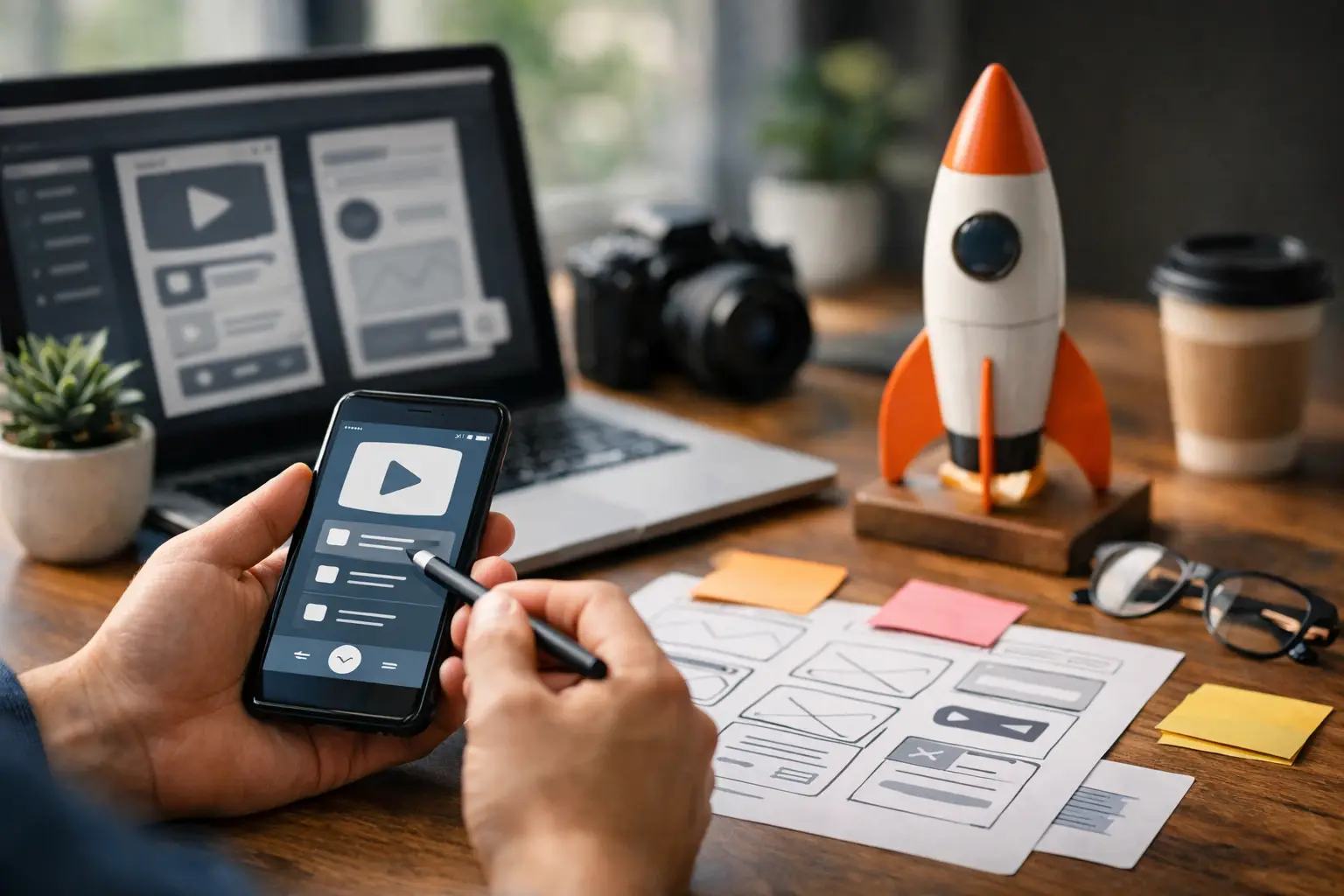
A good indie app launch rarely starts with a big announcement. It starts with one person having a small, repeatable problem: forgetting the last feeding time, losing an article they meant to save, or wanting a fun answer to a curious question. If your app can make that moment easier in a few taps, you have something worth sharing.
That is the advantage of building small. You do not need to convince people to change their whole routine. You only need to earn a place in it.
Quick answer: A simple indie app launch plan has five parts: name the one problem your app solves, ship the smallest version people can trust, prepare a clear store listing and product page before launch day, ask feedback questions that reveal real use, and keep a steady rhythm of small fixes after launch. Consistency usually beats one big announcement.
Which problem does your app solve?
Before choosing launch channels, get painfully clear about the job your app does. “A better lifestyle app” is not a job. “A quick way to see when the baby last fed at 3 a.m.” is. “A clean place to save links you want to revisit” is. Specificity helps people understand your app, and it helps you make better product decisions.
Write one plain sentence that explains the value without app store language. Try this format: “This app helps [person] do [small task] when [real situation].” If the sentence feels crowded, the app may be trying to do too much.
A parent does not need a dashboard full of settings when they are tired and holding a baby. They need to record a feeding quickly, see the last entry, and move on. A focused app respects the moment it is used in.
This does not mean every app must stay tiny forever. It means the first version should be easy to understand and useful on day one. Extra features can come later, after users show you what they actually need.
How small can your first version be?
A minimum viable product is sometimes treated like permission to ship something unfinished. That is not the goal. Your first version can be small without feeling careless.
Focus on the core action, then make sure the basics around it work: clear onboarding, readable buttons, sensible empty states, and a simple way to get help or send feedback. If your app stores personal routines, make privacy and data handling easy to understand. If it uses AI for a playful experience, set expectations about what the result is and is not. Read the App Store Review Guidelines or the Google Play Developer Policy Center early, because the common causes of app rejection are easier to avoid while you are still building.
The trade-off is real. Spending months polishing every screen delays the feedback that tells you whether the idea matters. Shipping too early creates a frustrating first impression that is hard to win back. Aim for a version that does one thing reliably and feels calm to use.
A helpful test is to hand the app to someone who is not involved in building it. Watch where they pause. Do they know what to do first? Can they finish the main task without instructions? If they hesitate, the answer is usually not a longer tutorial. It is a clearer screen.
What should you prepare before launch day?
Launch day is easier when the story is ready before the build is final. You do not need a giant campaign. You need a few simple pieces that all say the same thing:
- A store listing that leads with the problem it solves, following our notes on app store metadata that helps users find you. Apple’s guide to creating your product page and Google’s store listing help list the fields you will fill in.
- Screenshots that show the app in use and make the benefit obvious without tiny text. A short preview video helps when motion explains the product, but it is not mandatory.
- A website or product page that answers, in a few seconds: What is this? Who is it for? What does it help me do? Is it simple?
- A short announcement, a few images or screen recordings, and a friendly note asking early users for honest feedback, all in your own voice.
Do not wait for a perfect audience list. Start with people who already understand the problem. Parents may be in local communities, family group chats, or online spaces built around a specific stage of childhood. People looking for an AI novelty app may respond well to a clear, visual demonstration. The right channel depends on the use case.
How do you ask for feedback that helps you decide?
“Do you like it?” is a kind question, but it often produces kind answers. Better questions reveal how the app fits into someone’s real life.
Ask what they expected to happen when they opened the app. Ask whether they completed the main task. Ask what felt confusing, slow, unnecessary, or missing. Most importantly, ask when they think they would use it again.
Early feedback will conflict. One user may request a detailed settings page while another loves that there are almost no settings. Do not treat every request as a roadmap item. Look for patterns, especially among people who match the audience you want to serve.
Usage behavior matters, too. Downloads are encouraging, but they do not tell the full story. For a daily tracker, repeated use over the first week may matter more than a burst of installs. For a link-saving app, it may be more useful to learn whether people save a second and third link. Pick a few signals tied to the app’s main promise rather than tracking everything.
How do you keep launch momentum small and steady?
The first week after an indie app launch is not a verdict on the app. It is the beginning of a conversation. Some useful apps grow quietly because people find them at the exact moment they need them. Quiet growth can be healthy when users keep coming back and telling others.
Make a rhythm you can sustain alongside building and life. Check feedback regularly. Fix obvious issues quickly. Share meaningful improvements when you make them. Keep notes on the questions users ask, because those questions often become better onboarding copy, store language, and future features.
There are times when a bigger launch makes sense. A seasonal app, a limited-time promotion, or a product with a strong visual hook can benefit from concentrated attention. But most independent builders gain more from consistency than spectacle. A clear product, a trustworthy experience, and a steady stream of small improvements are hard to beat.
How should real use shape what comes next?
The best next step is not always another feature. It might be simplifying a confusing label, shortening setup by one screen, improving a reminder, or rewriting a screenshot so the right person recognizes the app immediately.
Pay attention to the moments that create relief. If a parent says, “I could use this half asleep,” that is not just a compliment. It is product direction. If someone says they saved a link because they finally knew where it would be later, the promise is landing.
An app does not have to solve every problem to become part of someone’s day. It just has to solve one real problem with enough care that they want to use it again tomorrow.
The five parts of the plan at a glance.
| Step | What it means in practice |
|---|---|
| Name the one problem | One plain sentence: who it helps, with what, and when |
| Ship the smallest version people can trust | The core action works, with clear onboarding and a way to send feedback |
| Prepare before launch day | Store listing, screenshots, product page and a short announcement that tell the same story |
| Ask feedback that helps you decide | What people expected, whether they finished the main task, when they would use it again |
| Keep a steady rhythm | Check feedback, fix obvious issues quickly, share meaningful improvements |
How we approach this at Digital Traffic Labs
We believe simple tools that people actually use are more valuable than feature-packed apps that create more work. Each of our apps starts from one sentence like the one above. FeedRight helps parents log feeds, sleep, and diapers in one tap and see how long ago the baby last ate. SocialMarks helps people save posts and links from social apps and turn them into recipes, places, or organized saves.
- A new feature should make the core experience better, not just the changelog longer.
- Questions from users feed back into store copy and onboarding.
- Small, regular updates over one big launch.
Frequently asked questions
When should I prepare my app store listing?
Prepare it while the build is still being finished, not after. That way the listing, screenshots, and product page tell the same story on launch day, and you have time to fix anything that does not match the app.
What should I measure after launching an indie app?
Pick a few signals tied to the app’s main promise, such as whether people complete the core task and come back to it. Downloads alone do not show whether the app is useful.
Do I need a big launch for an indie app to succeed?
No. Many useful apps grow steadily as people find them when they need them. A clear product and regular small improvements usually matter more than one big announcement.
Should I add features right after launch?
Only when they make the core experience better. Early feedback often points to clearer labels, shorter setup, or better screenshots before it points to new features.
What do indie developers use to plan an app launch?
Most indie developers can plan a launch with simple tools they already use: a checklist or notes app for tasks, a calendar for dates, and a shared document for store copy and screenshots. The plan matters more than the tool, so cover the problem, the first version, the listing, feedback and a steady update rhythm.
How do I find the first users for an indie app?
Start with people who already understand the problem your app solves, such as parent communities for a baby app or people who enjoy visual demos for an AI novelty app. Share a short announcement in your own voice and ask for honest feedback rather than praise.