
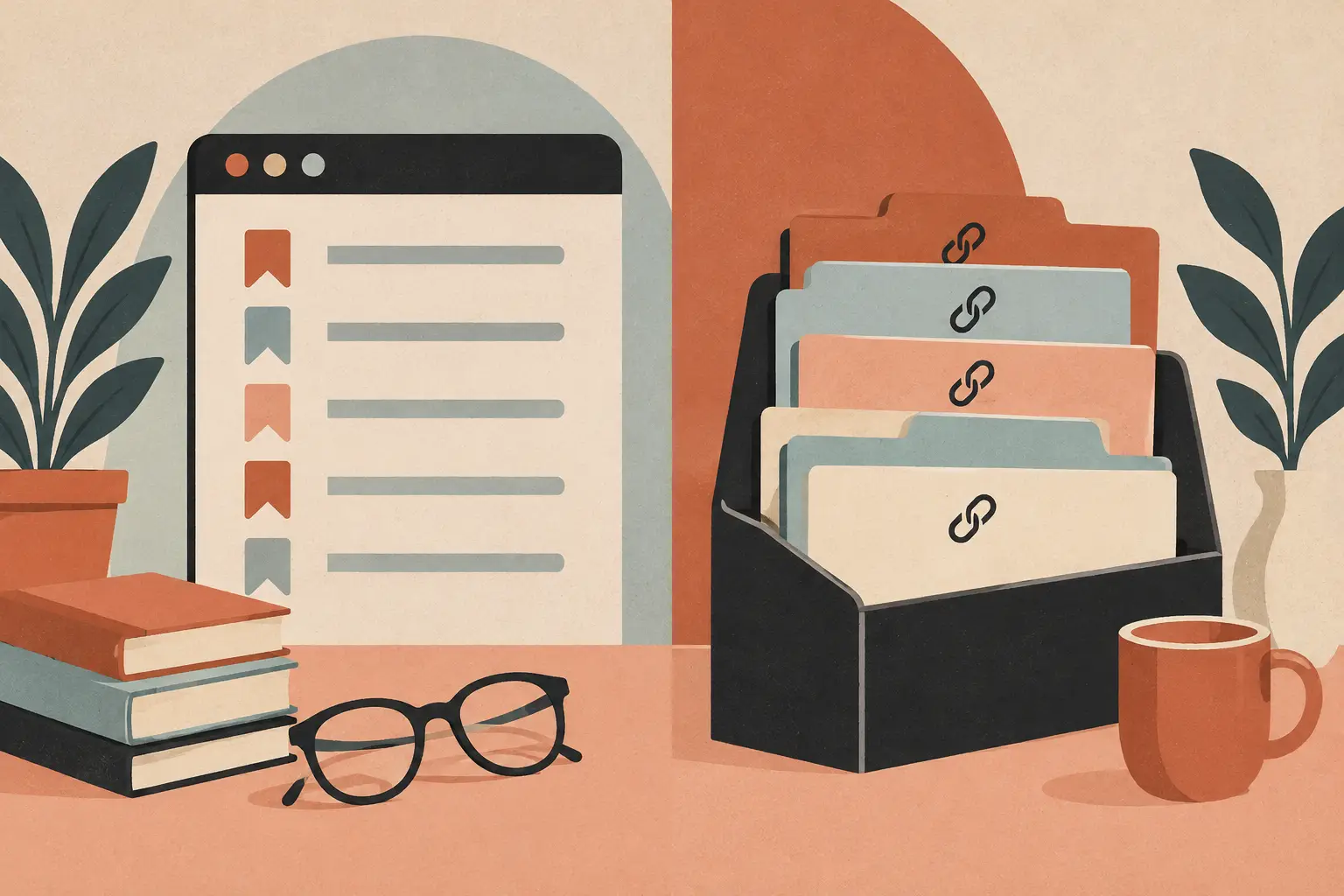
Native bookmarks do not become useless because you save too much; they become hard to use when every saved thing gets treated like the same kind of thing.
The practical difference in native bookmarks vs link organizers is simple: browser bookmarks save a destination, while a link organizer can preserve why that destination mattered. Neither is automatically better. The right choice depends on whether you mainly need a quick return path or a system for making sense of what you save.
What Is a Native Bookmark?
A native bookmark is a link saved inside the browser you already use, usually in a folder, bookmark bar, or reading list. It is the built-in option: quick to create, close at hand, and designed to take you back to a webpage.
Unlike a browser’s default behavior, a link organizer lets you keep the context that makes a save useful later.
| What matters | Native bookmarks | Link organizers | | — | — | — | | Account | Often optional; sync may use a browser account | Varies by app or service | | Price model | Included with the browser | Varies by product | | Platforms | Usually available in the browser ecosystem | Varies by product and device | | Offline access | Saved links can be viewed; pages still need access unless saved locally | Varies by product and saved content | | Data location | Browser profile or browser sync account | Device, account, or service depending on the tool | | Export | Many browsers support bookmark export | Varies by product | | Ads | Browser bookmark tools are generally ad-free | Varies by product |
Native Bookmarks vs Link Organizers: The Real Difference
A bookmark is intentionally small. You see a page, decide it may be useful, and save its address in a second. That speed is its real strength. If you want to keep a few reference sites, return to an online bill, save a useful article, or collect work resources in a familiar folder, native bookmarks are hard to beat.
They also have a nice advantage: there is almost nothing to learn. The browser is already open, the save command is already there, and folders are understandable without a setup session. For people who save occasionally and search their browser history when needed, adding another tool may create more work than it removes.
The trouble starts when saved links stop being interchangeable. A restaurant video, a pasta recipe, a hiking guide, a product comparison, and a long article may all be URLs, but they are not the same kind of future task. A generic folder called “Saved” does not tell you what a link contains, where it came from, or what you meant to do with it.
Link organizers exist to handle that missing layer. Depending on the tool, they may help you add notes, tags, images, categories, locations, reminders, or a cleaner reading view. Their real strength is not collecting more links. It is helping you recognize a useful save when you return weeks later.
When Browser Bookmarks Are Enough
Native bookmarks work best when the destination itself is the point. Think of your bank’s sign-in page, a frequently used work dashboard, a school calendar, a favorite local news site, or a set of documentation pages you revisit. You likely know what each item is before you click it.
Folders can go a long way here. A small set of clear folders such as “Home,” “Work,” “Travel,” and “Read Later” is usually easier to maintain than an elaborate taxonomy. The bookmark bar is especially useful for the handful of sites that truly deserve one-click access.
Bookmarks are also a sensible choice if you want the fewest moving parts. You may prefer local browser storage, use a browser’s own sync options, or simply avoid giving another app access to your saved material. A simple system you trust is more valuable than a clever system you abandon.
The limitation is search and recall. Browser bookmark search can find a title or URL, but it cannot always recover the thought behind the save. If the title is vague, the page changes, or the original content came from a social post, the bookmark may become a tiny mystery in a very large folder.
When a Link Organizer Earns Its Place
A link organizer makes more sense when saving is part of your planning, not just a way to revisit websites. If your phone is full of saved cooking videos, weekend ideas, city guides, product research, gift ideas, and articles you genuinely want to read, organization becomes a retrieval problem.
Consider someone saving a short video of a recipe. In a browser bookmark folder, it may sit beside a map guide and a furniture review. In an organizer built around saved content, that same item might be recognized as a recipe, grouped with other meals, and found later by an ingredient, note, or source. The value is the path back to the idea, not just the original URL.
This is especially relevant for mobile-first saving. People often discover useful things in social apps, messaging threads, and quick searches while standing in a grocery aisle or waiting for coffee. They do not always have time to name a folder perfectly. A useful organizer should make capture quick first, then make sorting and finding practical later.
There is a trade-off. Organizers ask you to adopt a new habit, and some ask for an account or store information outside your browser. Before choosing one, check what it saves, where the data lives, whether export is available, and whether it works on the devices you actually use. Features only help if they reduce the friction of finding something again.
Choose Based on Your Retrieval Problem
The better question is not “How many links do I have?” It is “What do I need to remember about them?” A person with hundreds of clearly named work references may be perfectly happy with browser folders. Another person with fifty saved videos may need more help because each video contains a different kind of plan.
Start with your most frustrating saved items. Are they hard to find because you forgot the site? Are they difficult because you remember the topic but not the title? Or do you remember the feeling of a post but not whether it was a recipe, place, event, or shopping idea? The answer points toward the right system.
You can also use both without creating a complicated workflow. Keep native bookmarks for permanent destinations and frequent browser shortcuts. Use a dedicated organizer for things discovered on the fly that need context before they become useful. That division is easier to maintain than trying to force every link into one place.
Avoid Turning Saving Into a Chore
The goal is not a perfectly organized archive. It is a collection you can use. If every saved item requires several tags, a description, and a carefully chosen folder before you can move on, you will probably stop saving or let the backlog pile up.
A good system has a gentle first step. Capture the item quickly, then add detail only when it pays off. You may only need to organize things you expect to cook, visit, buy, read, or share. Everything else can remain temporary and be cleared out later.
It also helps to make categories reflect real decisions. “Recipes to try,” “places for Chicago,” and “birthday ideas” are easier to act on than abstract labels like “inspiration” or “interesting.” Your saved collection should speak in the language of your life, not the language of a filing cabinet.
Frequently Asked Questions
Are link organizers better than browser bookmarks?
Not for everyone. Native bookmarks are excellent for quick access to familiar sites and a small, stable set of references. Link organizers become more useful when saved items need notes, categories, or context to be found again.
Should I move all my bookmarks into a link organizer?
Usually, no. Keep browser bookmarks for routine destinations and move only the saves that have become difficult to retrieve or act on. A smaller, purposeful collection is easier to keep useful.
Can folders solve the same problem?
Folders solve part of it, particularly for clearly defined groups of websites. They are less helpful when one saved item belongs to several categories or when you need to remember what a social post, video, or article contained.
A Tool Worth Trying
If you’re looking for a way to turn saved social posts into recipes, places, events, and searchable notes, SocialMarks is a focused iPhone app that gives those saves a useful shape.
Related reading
For more practical ways to make your saved content easier to use, look for articles on organizing saved recipes, saving travel places from social media, and reducing the clutter in your read-later list. The best place to start is the category that keeps slipping through the cracks, then build a habit that takes only a moment to keep.