
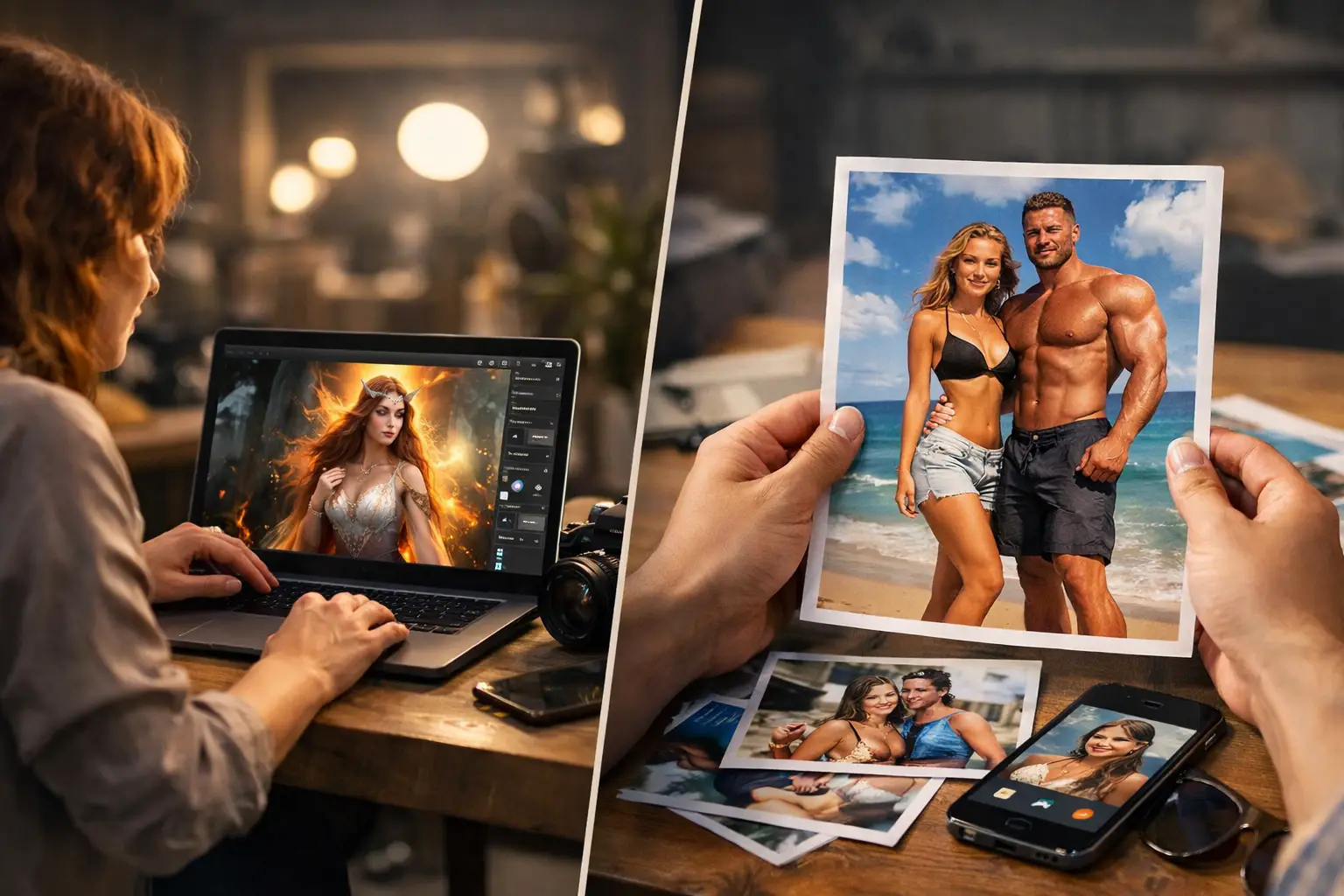
A few taps can now turn a regular phone photo into a storybook scene, a retro yearbook portrait, or a glimpse of an imagined future family. That speed is why AI photo trends keep showing up in group chats and social feeds. But the best results are not always the loudest ones. For most people, the photos worth saving are the ones that still feel like them.
For a small studio like ours, that matters. We make simple apps for everyday moments, and AI is most useful when it adds a little wonder without creating more work, more choices, or more pressure to look perfect.
Quick answer: The AI photo trends worth trying keep the person recognizable and the purpose clear: future-family images for fun, nostalgic styles, tiny-world scenes, and quiet cleanup edits. Skip trends that change someone’s face or body beyond recognition, add people or places that were not there without a label, or require uploading photos with sensitive details.
Why do AI photo trends feel different this time?
Photo filters are not new. Soft-focus selfies, color presets, and face-smoothing tools have come and gone. Generative AI changes the experience because it can create an entire setting, outfit, age progression, or style around a photo. Instead of adjusting what is already there, it imagines what could be there.
That makes the results more emotional. A couple might try a future-baby image out of curiosity. Friends may turn a vacation shot into a tiny action figure package. Someone planning a birthday may make a playful invitation without learning design software. The appeal is seeing a familiar face in an unexpected context.
There is a trade-off. The more a tool changes a person’s face, body, or setting, the easier it is for the result to drift from playful to uncomfortable. A generated image can be a fun keepsake or conversation starter. It is not a photograph, and treating it as one creates confusion. Image generators are only one kind of AI curiosity app, and they are the kind where this matters most.
Which AI photo trends are people actually keeping?
The trend cycle moves fast, but a few categories have staying power because they give people something personal to share.
Future family and age-progression images
These images answer a very human question: what might our future child look like? They are popular with couples, expecting parents, and family members looking for a lighthearted moment. They work best when the expectation is clear. As we explain in what a future baby look like app actually does, the result is imaginative entertainment, and AI cannot predict a real baby’s appearance.
There is no need to inspect every eyelash as proof of anything. Enjoy the surprise, laugh at the resemblance you think you see, and save it if it makes you smile.
Nostalgic styles with a personal photo inside
Vintage yearbook looks, disposable-camera color, film grain, and storybook art stay popular because nostalgia has built-in warmth. A well-made retro image can feel more memorable than a polished portrait. The strongest versions still preserve recognizable features. If a trend makes everyone look like the same airbrushed character, it may earn a quick reaction but not much lasting affection.
Tiny worlds and playful product scenes
People love seeing themselves, their pets, or everyday objects reimagined as miniatures, figurines, collectible packaging, or cinematic scenes. The trend works because it turns a familiar subject into a visual joke you understand in a second. Use a clear source image and keep the prompt simple. A close-up of a stuffed animal or the family dog gives the AI more to work with than a busy photo across a crowded room.
Practical cleanup that does not call attention to itself
Removing a distracting background object, brightening a dim indoor photo, or cropping a quick profile picture can be genuinely useful. These edits help a real photo do its job better. If an edit changes the memory, such as adding people who were not there or replacing the location, label it as a creation.
Which AI photo trends are worth skipping?
Some trends earn a laugh and then leave a mess behind. Skip, or at least think twice, when a trend:
- Changes someone’s face, body, or skin so much that they no longer look like themselves.
- Adds people, places, or events that never happened, and gets shared without an AI label.
- Uses a friend’s or child’s photo without the agreement of that person or their parent.
- Needs a photo that shows an address, school logo, hospital bracelet, or documents.
- Turns a two-minute experiment into twenty versions and an evening of scrolling.
AI photo trends at a glance
| Trend | Try or skip | Why |
|---|---|---|
| Future family and age-progression images | Try, for fun | Imaginative entertainment, not a prediction of a real child |
| Nostalgic styles with a personal photo | Try | Warm and personal when faces stay recognizable |
| Tiny worlds and playful product scenes | Try | A quick visual joke that works best with a clear source photo |
| Quiet cleanup edits | Try | Helps a real photo do its job without changing the memory |
| Edits that change a face or body beyond recognition | Skip | The person no longer looks like themselves |
| Added people, places or events without an AI label | Skip | It can be shared as real when it is not |
| Someone else’s photo without their agreement | Skip | Their image is their choice, or their parent’s for a child |
| Photos showing an address, school logo or documents | Skip | Private details travel with the image |
Why start with the moment, not the effect?
A good question before using any AI photo tool is simple: what do I want this image to do?
Maybe you want to make your partner laugh, find a cute idea for a baby shower card, or rescue the only family photo where everyone is looking at the camera except the toddler. Those are clear jobs, and they help you choose an effect without endlessly scrolling through styles.
Start with a photo you would want to keep even without AI. Good lighting, a clear face, and a simple background tend to produce better results. A quick phone photo by a window is often enough. Then try one or two versions, not twenty. Simple tools should fit around real life, one nap time at a time.
How do you keep the human part in the picture?
AI can produce a polished result, but it cannot know why a photo matters to your family. The blurry picture of your child holding a spoon may mean more than a flawless fantasy portrait because you remember the breakfast mess, the laugh, and the tiny hand reaching for more.
That is why it is worth keeping originals. Save the regular photo alongside the generated version. The original is the record of a real moment. The AI image is the creative extra.
When you share, context goes a long way. A caption like “we tried a future baby generator for fun” tells friends what they are seeing. Labels are becoming part of the technology too: the C2PA Content Credentials standard lets tools attach information about how an image was made, and invisible watermarks such as Google DeepMind’s SynthID help identify AI-generated images. A plain caption is still the clearest signal for the people you know.
What privacy checks should you do before you upload?
Photos carry more information than we notice at first glance. A child’s face, a school logo, a house number in the background, a hospital bracelet, or a location tag can all reveal more than you intended. That does not mean avoiding AI photo tools altogether. It means a quick pause is part of using them well.
Crop out mail, name tags, house numbers, or documents. Consider using a different photo if your child is in it and you are not comfortable with that image being processed. If a tool asks for access to your entire photo library, make sure that level of access makes sense for what you are doing. Read the basics of how the app handles uploads, especially whether images are retained or used to improve its service. Policies differ.
Consent matters, too. A funny AI edit of a friend can be a great gift if they are in on it. Posting a heavily altered image of them without asking can feel less funny from their side. With kids, parents and caregivers set the boundary.
What will last after the novelty fades?
Some AI photo trends will disappear as quickly as they arrive. The useful part of this technology is not chasing every new style. It is having an easy way to make a memory more playful, surprise someone you love, or fix a photo you nearly gave up on.
The photos people return to will probably have a real reason behind them: a silly anniversary image, a future-family guess shared between partners, a cleaned-up snapshot from a first birthday, or a pet turned into a tiny movie star. If the future-family trend is the one that caught your eye, read what a future baby generator can really show before you try it.
How Future Baby AI Generator handles the future-family trend
Future Baby AI Generator is our iPhone app for the future-family trend. It creates an AI-generated image of an imaginary child from two parent photos, for fun. We built it around the same habits this article recommends.
- Photos are used only to create the image and are not stored by the app.
- Every image is labeled as AI-generated, so it is clear what people are looking at when you share it.
- Only use photos of people who agreed. The app is free to download, and creating images requires a subscription.
Read more on the Future Baby AI Generator page or find it on the App Store.
Frequently asked questions
Are AI photo trends safe to try?
Most are fine for casual fun if you choose photos without sensitive details, read how the app handles uploads, and only use photos of people who agreed. The risk grows when photos show children, addresses, documents, or location tags.
Which AI photo trends are worth skipping?
Skip trends that change someone’s appearance beyond recognition, invent people or places and get shared without a label, or need photos with sensitive details. Also skip anything that uses another person’s photo without their agreement.
How can people tell an image is AI-generated?
The simplest way is a clear caption or label when you share it. Some tools also attach Content Credentials based on the C2PA standard or add invisible watermarks such as SynthID, but not every app or platform shows them.
Should I upload photos of my kids to AI photo apps?
That is a decision for each family. If you do, crop out school logos, name tags, and backgrounds that reveal where you live, and read the app’s privacy information first.
What AI photo trends are popular?
Popular AI photo trends include future-family and age-progression images, nostalgic styles such as vintage yearbook portraits and film looks, tiny-world scenes like figurines and collectible packaging, and quiet cleanup edits. The ones people keep tend to leave the person recognizable.
How do I get better results from AI photo trends?
Start with a clear, well-lit photo and a simple background, such as a quick phone photo by a window, and keep the prompt simple. Try one or two versions instead of twenty, and keep the original photo alongside the AI version.