
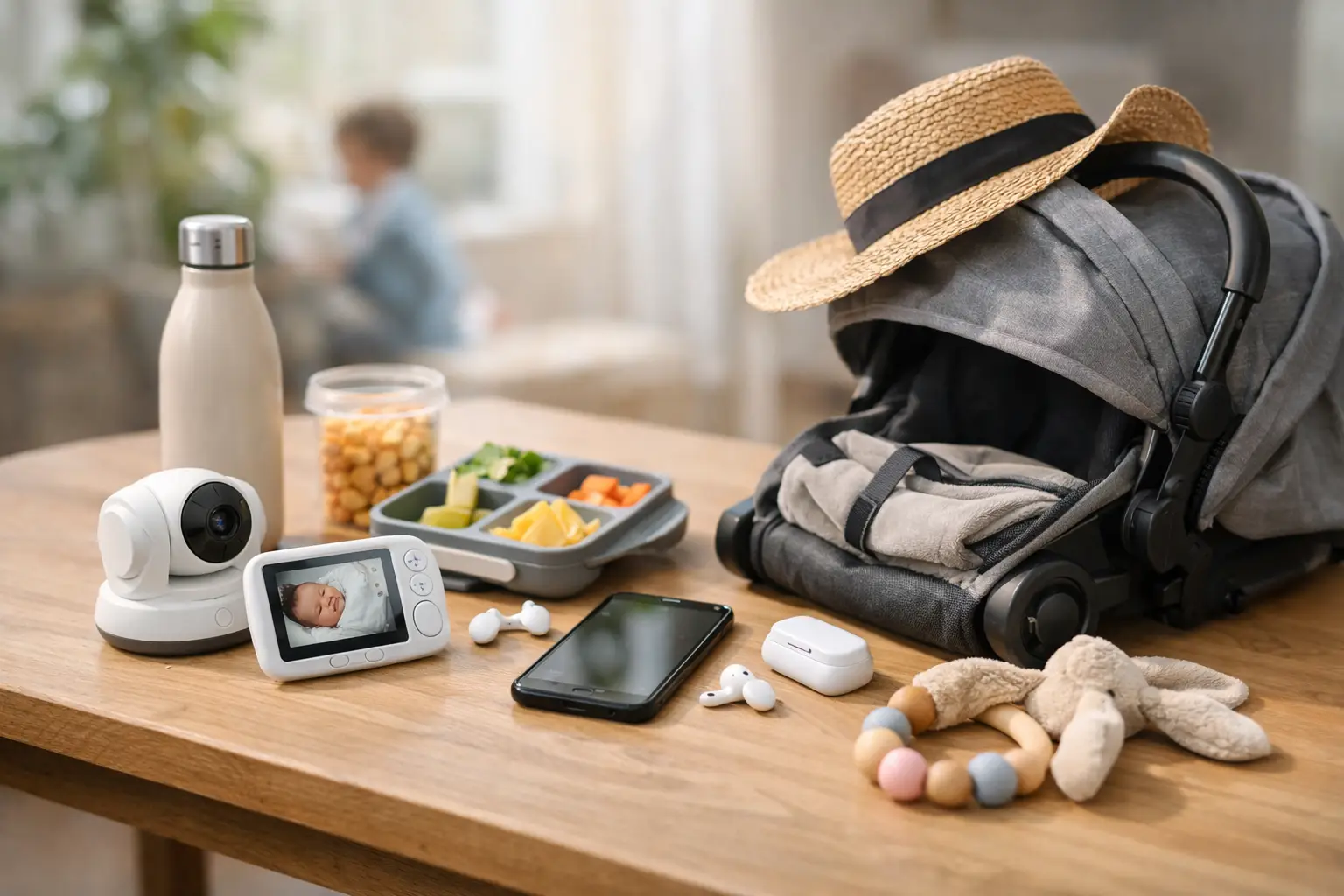
Learning a complicated app is the last thing you want to do with a hungry baby in one arm. You need to know when the last bottle started, how much your baby ate, or whether it is your turn to handle the next wake-up. The best lightweight parenting tools make that information easy to find, easy to log, and easy to share without turning family life into another project to manage.
For parents of babies and toddlers, simple usually beats feature-packed. A tool earns a place on your phone when it reduces one small piece of mental load.
Quick answer: The best lightweight parenting tools have one clear job, open quickly, and make sense without a tutorial. For most families, a small stack is enough: a baby tracker for feeds, sleep and diapers, a shared calendar for appointments, and a shared list for supplies. Keep a tool only if it saves time or prevents a repeated question.
This guide is general information, not medical advice. Every baby is different, so ask your pediatrician or health visitor about your own baby.
Disclosure: Digital Traffic Labs makes FeedRight. We mention it where it fits and explain our criteria, so you can judge every option for yourself.
What do the best lightweight parenting tools actually do?
A lightweight parenting tool is not necessarily an app with fewer features. It is a tool with a clear job. It opens quickly, makes sense without a tutorial, and gives you the next useful piece of information without burying it under charts, notifications, or settings you will never touch.
That matters because parenting data is only helpful when you can keep up with it. A detailed tracker can sound great before a baby arrives. After a few short nights, the best system is the one you can use with one hand while holding a squirming child.
The right tool helps you answer practical questions: When did the baby last eat? Which side did I nurse on last? How long was that nap? Has anyone changed the diaper recently? Did we remember the pediatrician’s question from yesterday? If it takes more than a few taps to log the answer, the tool may be doing too much for this season of life.
Which routine should you start with?
There is no single best setup for every family. A newborn who feeds around the clock creates different needs than a toddler who is fighting bedtime. Start with the routine that causes the most confusion, repeated conversations, or forgotten details in your day.
Feeding and nursing trackers
For many new parents, feeding is the first place a simple feeding tracker helps. Bottle feeds, nursing sessions, pumping, and formula amounts blur together quickly, especially when two caregivers trade shifts.
A focused feeding tracker should let you record the time, amount, duration, or nursing side without making you fill out a mini report. Shared visibility matters, too. If one parent can see the last feed before asking the other, that is one less sleepy conversation at 4 a.m.
Sleep and nap logs
Baby sleep can feel unpredictable, but a basic sleep record often reveals more than memory alone. You may notice that a late afternoon nap is affecting bedtime or that a rough night followed a missed nap.
Keep expectations realistic. Sleep tracking cannot make a baby sleep, and it should not turn every wake-up into a performance metric. Its value is in spotting patterns and helping caregivers stay aligned. For toddlers, a simple bedtime checklist can be more useful than a sleep dashboard: bath, pajamas, books, water, lights out.
Diaper and health notes
Diaper logs are especially useful in the early weeks, when feeding and output can be part of conversations with a pediatrician. A quick count of wet and dirty diapers is often enough. You do not need dozens of categories unless a medical professional has asked you to track something specific.
For health notes, keep one place for temperatures, medicines, symptoms, or questions for the next appointment. Keep it simple and factual: when a symptom started, what you gave and when, and what you want to ask. That is more useful than trying to write a complete diary while your child is uncomfortable. Always follow your pediatrician’s advice on medicine.
Shared household reminders
Parenting is full of small handoffs: daycare pickup, extra clothes in the bag, refill wipes, schedule a checkup, bring the favorite stuffed animal. A short, visible shared list that both caregivers check keeps these details from living entirely in one parent’s head. Avoid building a complicated family command center if nobody has the energy to maintain it.
How do you know a tool reduces decisions instead of adding them?
A good parenting tool makes the next action clearer. If you open it and see five prompts, three upgrade messages, and a screen full of numbers, it may increase stress instead of reducing it. Before committing, test it during a busy moment:
- Can you log an event in a few seconds?
- Can your partner understand the screen without an explanation?
- Can you find yesterday’s information when you need it?
- Does it still work well when you are tired?
- Does it stay quiet unless you asked for a reminder?
These questions matter more than a long features list. It also helps to be honest about your family’s style. Some parents enjoy reviewing trends; others only need the last feeding and the next appointment. Neither is better. If you are deciding between an app and paper, our post on parenting apps versus planners compares the two.
Is a small parenting tool stack enough?
Usually, yes. Most families do not need a separate app for every parenting task. Too many tools create notification fatigue, duplicate information, and another set of accounts to remember.
A practical starting point is a baby tracker for daily care, a shared calendar for appointments and childcare, and a simple shared list for groceries and household tasks. If you have a toddler, add a visual routine or timer only if it genuinely helps with transitions. For more on which tools pull their weight, see new parent tools that earn their place daily.
Keep tools that earn their spot. If you have not opened something in two weeks, it may be safe to remove it. Parenting needs change quickly, and your phone should be allowed to change with them.
There is also a privacy trade-off. Parenting apps can hold sensitive information about your child and your family routine. Choose tools from makers that explain their purpose clearly, ask only for information they need, and do not pressure you to share more than you want.
A practical starting stack looks like this.
| Tool | Job it does |
|---|---|
| Baby tracker | Daily care: feeds, sleep and diapers |
| Shared calendar | Appointments and childcare |
| Shared list | Groceries and household tasks |
| Visual routine or timer (toddlers) | Transitions, only if it genuinely helps |
How do you make tracking sustainable for both parents?
The most useful tracker fails if only one person uses it. That is not a reason to force equal logging at every moment. It is a reason to agree on a simple system.
Decide what is worth recording and what can stay untracked. Maybe both caregivers log feeds and diapers, while only one adds sleep. Maybe whoever handles a pediatrician visit adds the notes afterward. A little consistency is more valuable than a perfect record that disappears after three days.
When the log falls behind, do not spend twenty minutes reconstructing the day from memory. Just start again with the next feed, the next nap, or the next diaper. These tools are there to support your family, not grade your performance.
How FeedRight helps
FeedRight Baby Tracker is our attempt at a lightweight baby tracker. It logs feeds, sleep, diapers and pumping in one tap on iPhone, Apple Watch and Android, with no account needed and data kept on the phone in the free version. FeedRight Premium, an optional subscription, adds family sync so both parents see the same record. You can get it on the App Store or Google Play.
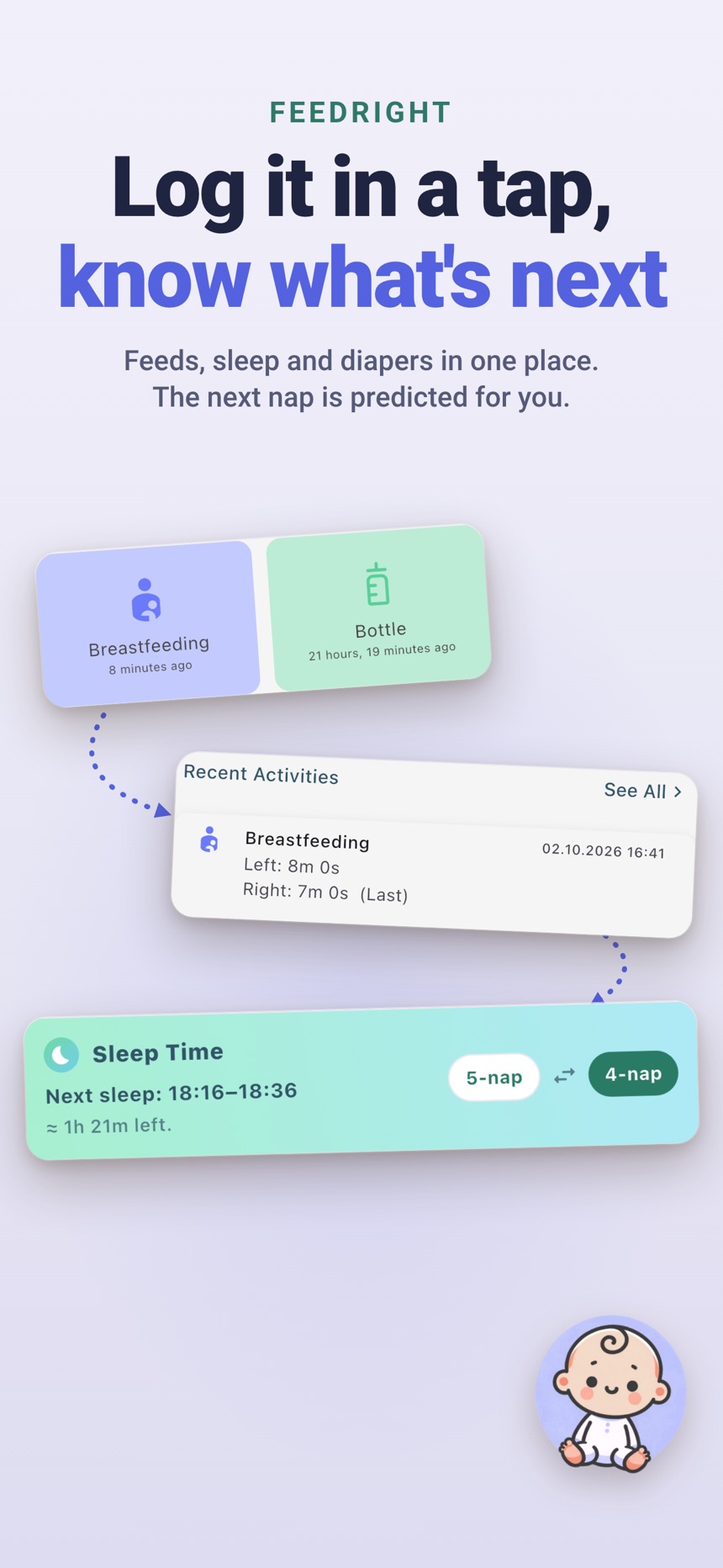
- Feed and sleep timers on the iPhone Lock Screen and Dynamic Island, so a feed or nap can run without opening the app.
- Medicine and temperature logs keep health notes in the same place.
- Reminders are optional and per activity, so the app stays quiet unless you ask.
Choose the smallest system that makes your hard moments easier. On the days when everything feels like a blur, a clear last-feed time, a shared reminder, or a simple nap log can be one small thing you do not have to carry alone.
Frequently asked questions
What makes a parenting tool lightweight?
It has one clear job, opens quickly, and works without a tutorial. You can log or find what you need in a few taps, even with one hand.
How many parenting apps do I really need?
Most families do well with three: a baby tracker, a shared calendar and a shared list. Add more only when a tool solves a problem you have every day.
Are free parenting apps good enough?
Often, yes. Free versions usually cover daily logging, while paid plans add extras like syncing or longer statistics. Start free and upgrade only if a missing feature keeps getting in the way.
How do I keep my baby’s data private in parenting apps?
Read what the app collects and where it is stored, prefer apps that work without an account, and only share access with the caregivers who need it.
How can I track baby feeds without an app?
A paper log or whiteboard near the place you feed works well: write the time, plus the side or amount, after each feed. Keep it in one visible spot so every caregiver uses the same record.
What is a simple reminder system for caregivers of a toddler?
A short shared list or calendar that every caregiver checks, plus reminders only for things with set times such as medicine or daycare pickup, is usually enough. Too many alerts lead to notification fatigue, so keep everything else on a visible checklist.