
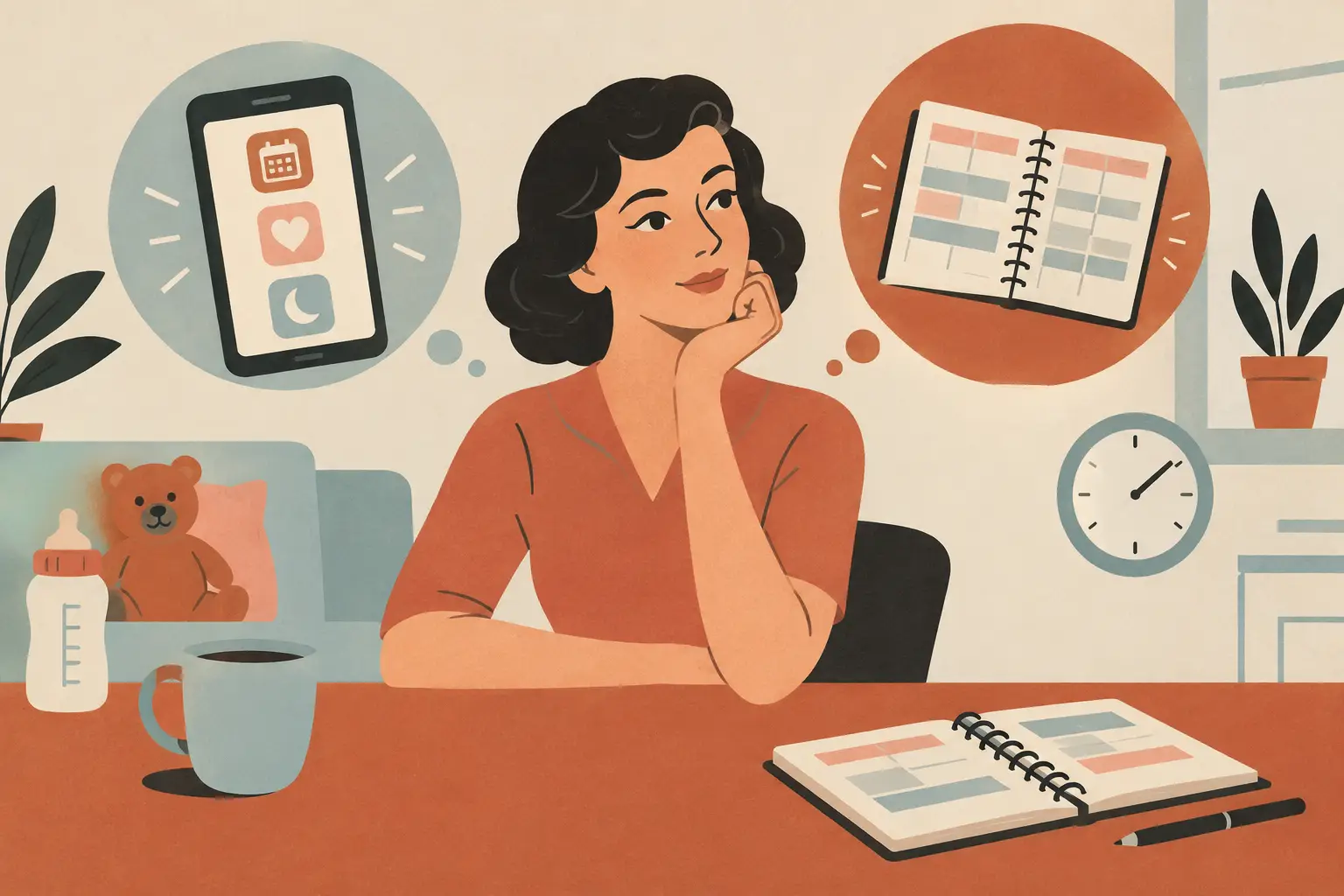
Parenting apps versus planners is not really a contest between screens and paper. It is a question of what still works when you are holding a baby, reheating coffee, and trying to remember whether that last diaper change happened before or after the nap. The better choice is the one that makes the next small task easier, not the one that looks most organized on Sunday night.
Quick answer: For quick, repeated logs like feeds, diapers, and naps, a focused parenting app usually wins because you can record an entry in a few taps and check the last one instantly. For open-ended planning, loose notes, and a break from notifications, a paper planner often feels better. Many families use both, giving each tool one clear job.
This guide is general information, not medical advice. Every baby is different, so ask your pediatrician or health visitor about your own baby.
Disclosure: Digital Traffic Labs makes FeedRight. We mention it where it fits and explain our criteria, so you can judge every option for yourself.
| Consideration | Parenting apps | Paper planners |
|---|---|---|
| Account required | Varies by app | No |
| Where data lives | On the device or in the cloud, depending on the app | On the page |
| Price model | Varies by app | One-time purchase |
| How you save an entry | Tap, type, or use a shortcut | Write it down |
| Offline access | Varies by app | Yes |
| Best for | Repeated, time-based logs | Plans, lists, and loose notes |
What is parenting tracking?
Parenting tracking is the simple practice of recording routines, events, or notes that help a caregiver remember what happened and notice patterns over time. It can be as basic as a time-stamped log or as flexible as a handwritten page.
Unlike keeping details in your head until you have time to write them down, a focused logging approach lets you capture a routine while it is happening.
Where do parenting apps save time?
An app is built for the moments when there is no desk, no open notebook, and no spare hand. You can record an event close to when it happened, then see the last entry without flipping through pages. That matters when two caregivers are trading off and each wants a clear answer to a simple question: when did this happen last?
Apps also handle repetition well. A routine that occurs several times a day gets tiring to write out in full. With a focused interface, the action shrinks to a few taps. The point is not to collect more data. It is to lower the effort of remembering ordinary details when your attention is already split.
Shared access may also help, depending on the app and your setup. A phone-based record is easier to check during daycare pickup, a handoff between partners, or a call with a caregiver. Before relying on any app for shared use, review its account, syncing, and privacy options so everyone knows where the information lives.
More features do not automatically make an app more helpful. A broad parenting platform can turn a simple log into another place to manage settings, content, reminders, and subscriptions. If your real need is a small set of routines, a smaller tool is often easier to keep using. Our roundup of lightweight parenting tools for busy days follows the same idea.
Where do paper planners still shine?
A planner has a strength no app can fully copy: a blank, quiet space. You can write a schedule, add a grocery reminder in the margin, sketch a rough week, or jot down a thought without deciding which category it belongs in. For parents who think better on paper, that freedom is practical, not nostalgic.
Paper also stays visible in a way phones often do not. A planner on the kitchen counter can become a shared family reference point. It needs no passcode, battery, or update. If you prefer to keep household notes off a device, a physical page is a direct and private default.
The trade-off is retrieval. A handwritten note may be meaningful, but it can be harder to scan quickly at 3 a.m. or when someone asks for the latest entry. A planner is also less convenient away from home, unless it comes with you everywhere.
What is the real difference between apps and planners?
The biggest difference in parenting apps versus planners is not digital versus analog. It is structured information versus flexible information.
Apps are usually structured. They ask for a specific action, time, or category, which makes the record easier to review later. That structure suits routines you want to log consistently, such as feedings, diaper changes, or sleep observations. If you have questions about your child’s health or development, bring your observations to your pediatrician rather than treating an app or planner as a source of medical guidance.
Planners are flexible. They make room for the messy middle of family life: a note about a tough morning, a list for tomorrow, a reminder to buy more wipes, or a plan for the weekend. Those details may not fit cleanly into a tracking screen, and they do not need to.
A good rule is to match the tool to the question you will ask later. If the question is “What time was the last one?”, an app is often quicker. If it is “What do we need to get done this week?”, a planner may be the clearer place to start.
How do you choose based on your actual routine?
Do not choose a system based on the ideal version of your household. Choose based on where information gets lost now.
If you regularly forget timestamps or need to check the last routine quickly, try an app designed around that one job. Keep the number of things you track small at first. Consistency beats an elaborate record you abandon after three days. The same logic shows up in our comparison of a feeding timer versus a notebook.
If your challenge is seeing the whole week, coordinating errands, and keeping loose notes together, begin with a planner. Put it where family planning actually happens, not where it looks tidy. A planner tucked into a drawer is a planner you will forget exists.
If your household has more than one caregiver, agree on what goes where. Routine logs can live in one place while appointments, to-dos, and meal ideas live in another. The goal is not perfect documentation. It is fewer repeated questions and less mental load.
What does a simple hybrid setup look like?
A hybrid approach works because it does not force one tool to do everything. Use a focused app for repeatable, time-based entries. Use a planner for plans, notes, and the wider shape of the week.
Keep the boundary simple. Do not copy every app entry into the planner or turn the planner into a second database. Reserve paper for information that benefits from being seen at a glance, and the app for details that are easiest to capture in the moment.
This also gives each caregiver options. One person may prefer tapping a quick log on a phone, while another prefers writing the week’s schedule by hand. A family system does not need everyone to use the same format. It needs everyone to know where to look.
How do privacy and notifications affect the choice?
Before choosing an app, check its privacy policy, account requirements, backup options, and notification controls. A lightweight tool should reduce decisions, not create a new stream of alerts. Turn off reminders that do not help, and avoid entering information you would not be comfortable storing digitally.
With paper, privacy is physical. Consider who can see a notebook on the counter or in a diaper bag. A paper planner is only as private as the place where it is left.
The right tool is allowed to change. A phone log may be perfect during the early months, while a weekly paper planner becomes more useful once schedules get busier. Revisit the setup when it starts feeling like work.
How FeedRight helps
FeedRight Baby Tracker is the app half of a hybrid setup. It handles the quick, repeated logs (feeds, sleep and diapers, one tap each) while your planner keeps the week. Find it on the App Store and Google Play.
- No account needed; the free version works offline and keeps data on your phone.
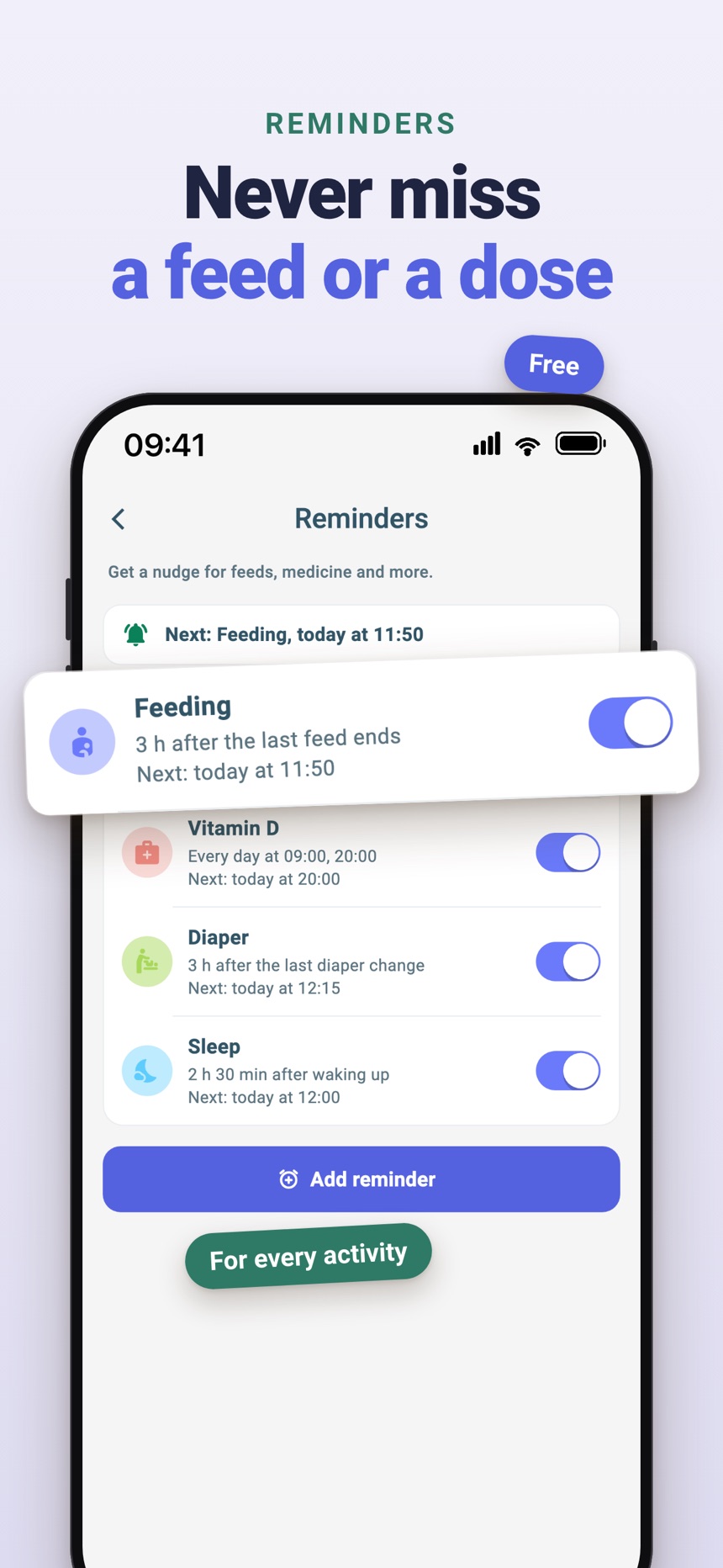
- Reminders for any activity, which you can turn on only where they help.
- Optional FeedRight Premium adds cloud backup and family sync across iPhone and Android.
Frequently asked questions
Are parenting apps better than planners?
Neither is better for every family. Apps are usually faster for repeated, time-based logs, while planners are often better for flexible notes and seeing the week in one place.
Should parents track every routine?
No. Track only what helps your household answer useful questions or manage handoffs. A simple system that lasts is more valuable than a detailed one that adds stress.
Can I use an app and a planner together?
Yes. Keep routine entries in the app and household plans or open notes in the planner. Giving each tool a clear job prevents duplicate work.
Is a paper planner more private than a parenting app?
Not automatically. Paper keeps data off a device, but anyone who picks it up can read it. With an app, check the privacy policy, whether an account is required, and where data is stored.
What should go in a paper parenting planner?
A paper planner works best for plans and open notes: appointments, the week’s schedule, shopping lists and reminders such as buying more wipes. Quick, repeated logs like feeds and naps are usually easier to keep in an app.
Do parenting apps work without an account?
Some do and some do not, because account requirements vary by app. Check whether an app needs an account, where it stores data and whether it works offline before you start logging.