
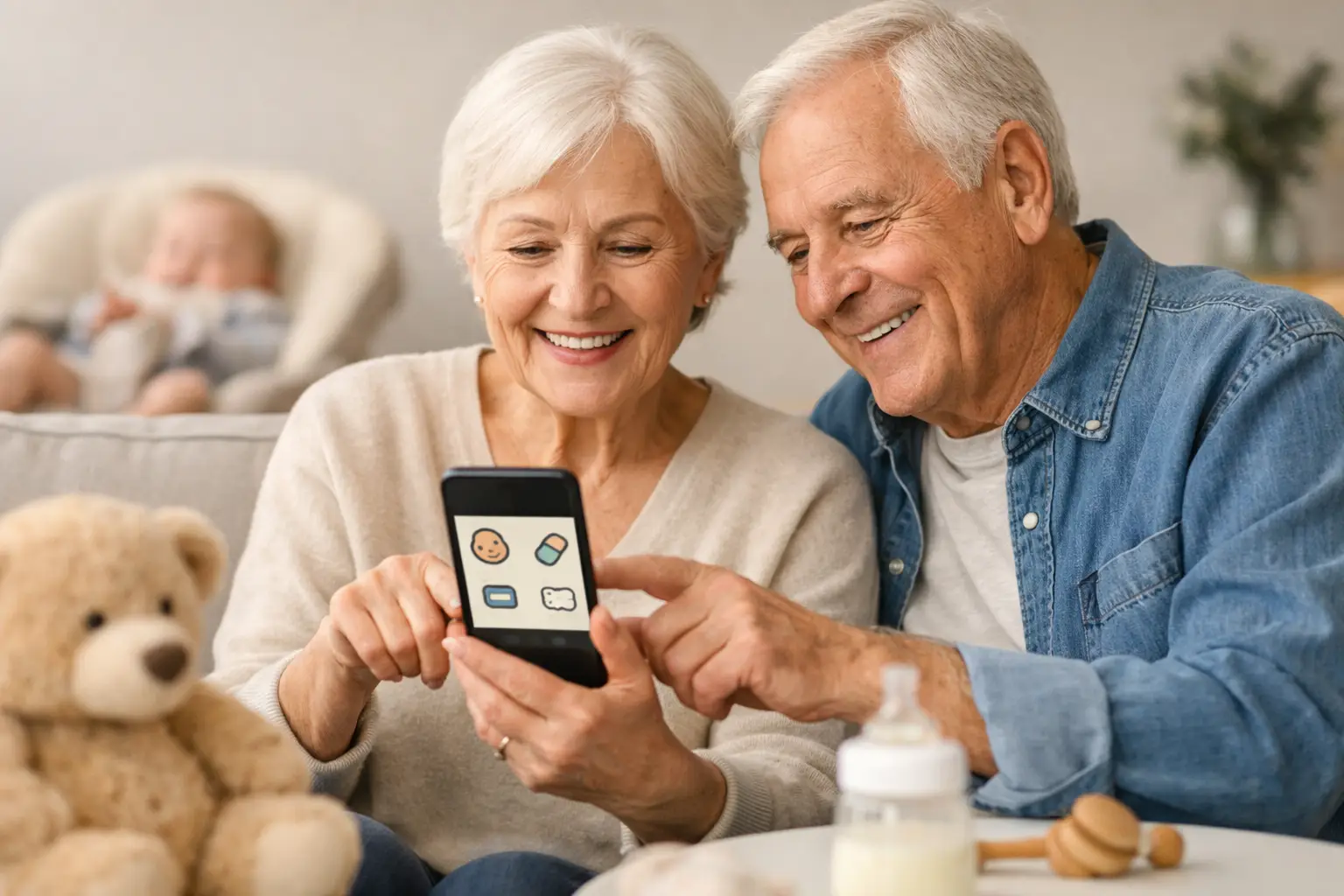
Grandma gave the baby a bottle at 10:15. Grandpa got her down for a nap at 11:05. By the time you get home, those small details can turn into a fuzzy game of memory. A baby log app for grandparents gives everyone one simple place to record what happened, so the handoff feels calmer and more useful.
This is not about turning a grandparent visit into a spreadsheet. It is about avoiding the most common questions at the end of a care shift: When did she last eat? How long did he sleep? Was there a diaper change? Did anything seem off?
Quick answer: A baby log app for grandparents works best when it stays small: log feeds, naps, diapers and a short note when something is unusual. Show grandparents how to add an entry and see the latest activity before their first shift, use plain language, and treat the log as a shared helper rather than a report card.
This guide is general information, not medical advice. Every baby is different, so ask your pediatrician or health visitor about your own baby.
Why do grandparents benefit from a baby log app?
Grandparents may only watch the baby once a week, during an occasional date night, or for regular child care. That makes a clear log especially helpful. They do not have to memorize a new routine every day, and parents do not have to reconstruct the day from a quick conversation at the door.
The real value is confidence on both sides. A grandparent can check the last feeding before offering another bottle. A parent can see how the afternoon went without sending a string of “just checking in” texts. Everyone has a little more context, which is often all they need.
A log also reduces accidental double-ups. If one caregiver changed a diaper or gave a bottle just before another family member arrived, the record is there. For babies with a carefully timed schedule, reflux concerns, pumping routines, or a new medicine plan, that shared awareness matters even more.
How do you keep the setup small enough to use?
The best baby log app for grandparents is not the one with the most charts, categories, or buttons. It is the one they will actually open while holding a baby in one arm. Start with the events that affect the next decision: feeds, naps, diaper changes, and a short note when needed. A log that asks for ten details after every bottle is likely to be abandoned by day two.
Before the first babysitting shift, take five minutes together:
- Show where to add a feed, a nap and a diaper.
- Show where to see the most recent activity.
- Say which details you care about, and which you do not.
- Let them add one practice entry themselves.
- Agree on a quick check of the log when you leave and when you return.
A tiny practice run is kinder than explaining the app while you are halfway out the door. Use plain language, too. “Log a bottle when you start it” is clearer than “document feeding activity.” If you have a family nickname for a comfort item or a usual bottle size, mention it so the routine feels familiar rather than clinical.
What is worth logging?
Not every sweet moment needs an entry. A baby log works best when it answers practical questions, not when it becomes a record of every coo and sneeze.
For most families, the core routine is simple: feeding time and amount, nap start and end, wet or dirty diapers, and a quick note about anything unusual. That might include a longer-than-normal fussing spell, a spit-up after a bottle, or a walk that finally led to a nap.
Some details matter only during certain stages. Newborn parents may want to track both sides and duration of nursing. Families starting solids might want a note about a new food. If a pediatrician has asked you to watch something specific, the log can support that. Otherwise, leave it out. If grandparents are helping so you can rest, work, or go out together, the tool should support that care, not make it feel like an assignment.
Here is the short list most families need from a grandparent shift.
| What to log | What to record |
|---|---|
| Feeds | Time and amount |
| Naps | Start and end |
| Diapers | Wet or dirty |
| Anything unusual | A short note, such as a long fussy spell or spit-up after a bottle |
| Nursing (newborn stage) | Sides and duration, if parents want them |
| New foods (starting solids) | A quick note about the new food |
A note is often better than a category
Apps can make ordinary baby behavior look like a problem if every moment needs a label. A short note is usually enough: “Took a while to settle after the 2 p.m. bottle” or “Loved looking at the window during tummy time.”
Those notes give parents context without asking grandparents to interpret symptoms or pick from a dozen mood options. They also preserve the human part of the day. Years from now, a note about a first giggle may matter more than a perfectly timed diaper entry.
How do you make handoffs easier, not more formal?
A shared log does not replace talking. It makes the conversation at pickup better. Instead of a vague “How was she?” you can ask about the one thing the log cannot fully capture: “She had a short nap. Was she happy when she woke up?”
If grandparents prefer paper or are not comfortable with apps, do not force it. A note on the counter still works, and a parent can add the key details later. The goal is shared clarity, not proving that every caregiver uses technology the same way. For more ways to keep everyone on one record, see how to share baby logs without the group chat.
How do you choose an app with grandparents in mind?
When comparing baby trackers, look past the feature list. The practical questions are more revealing: Can someone understand the screen without a tutorial? Can they see the latest feed or nap quickly? Is adding an entry fast? Does the app stay focused on the basics?
Think about access before you invite anyone in. Use the level of sharing your family is comfortable with, keep account details private, and decide who checks that the current routine is visible and understood.
Grandparents do not need every parenting preference in an app. They do need the basics that keep the day running smoothly: feeding instructions, safe sleep expectations, emergency contacts, and any important health information. Some of those belong in a conversation or a printed note, not in a daily log. A simple caregiver schedule template can hold them, and the AAP’s guide to safe sleep is worth sharing with every caregiver.
How do you build trust around the tool?
The emotional part matters. Grandparents may worry that logging means they are being watched or graded. Parents may worry that details will be missed if they do not ask for constant updates. A good approach treats the log as a shared helper, not a report card.
You can say it plainly: “This helps me remember when the last bottle was. I am grateful you are here.” That one sentence sets a completely different tone than handing over a phone with a long list of instructions.
Give each other room for normal differences, too. Maybe Grandpa sings a different song at nap time, or Grandma has a reliable way to calm a fussy baby. Unless it conflicts with a safety or health need, that is part of their relationship with the child.
How FeedRight helps
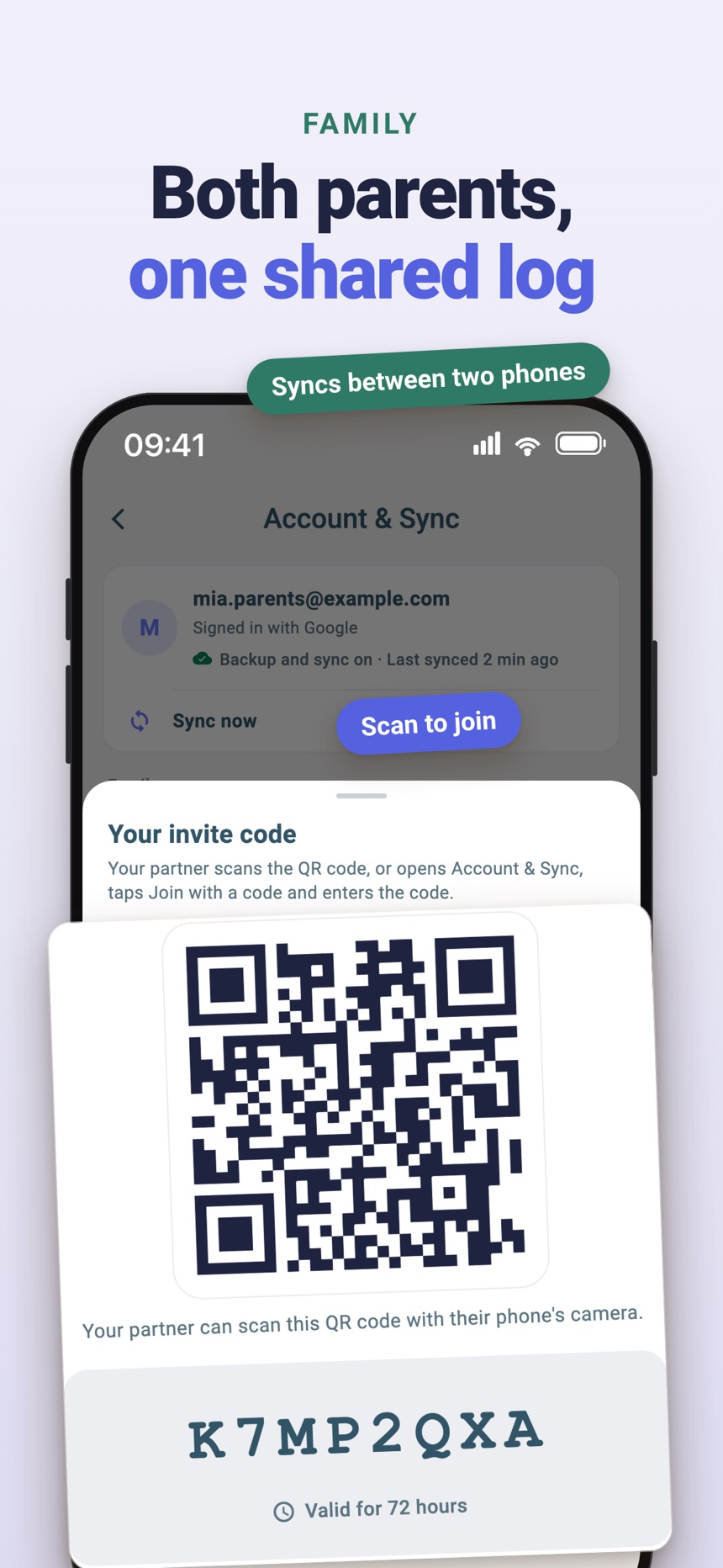
FeedRight Baby Tracker, which we make for iPhone, Apple Watch and Android, keeps the screen focused on the everyday details: the last feed, the side you finished on, sleep and diapers. Logging is free, and nobody has to create an account. Sharing a live record between phones is part of FeedRight Premium, an optional subscription; one plan covers the family and partners and other caregivers join free with an invite code or QR code. Grandparents can download it from the App Store or Google Play.
- One-tap logs for a bottle, a nap or a diaper.
- A quick view of how long ago the baby last ate, so a grandparent can see when the last bottle was.
- A daily summary parents can glance at after the visit.
The best system lets everyone spend less time trying to remember the last bottle and more time enjoying the baby.
Frequently asked questions
What should grandparents log when babysitting?
Feeds with time and amount, nap start and end, diaper changes, and a short note about anything unusual. That covers most handoff questions.
What if grandparents do not want to use an app?
Use a paper note on the counter instead. A parent can copy the key details into the main log later, so the record stays complete without pressure.
How do I set up a baby log for a grandparent?
Spend five minutes before the first shift showing where to add an entry and see the latest activity, then let them add a practice entry themselves.
How do I keep the log from feeling like surveillance?
Explain that it helps you remember, not check up on them, thank them for their help, and leave room for their own way of caring for the baby.
Can grandparents use the same baby tracker app as parents?
Yes, many baby tracker apps let parents invite grandparents or other caregivers to the same log. In FeedRight, one Premium plan covers the family: grandparents and other caregivers join free with an invite code or QR code, and every phone stays in sync.
What should parents tell grandparents besides the daily log?
Share feeding instructions, safe sleep expectations, emergency contacts and any important health information in a conversation or a printed note. The daily log records what happened; those basics belong somewhere every caregiver can find them.