
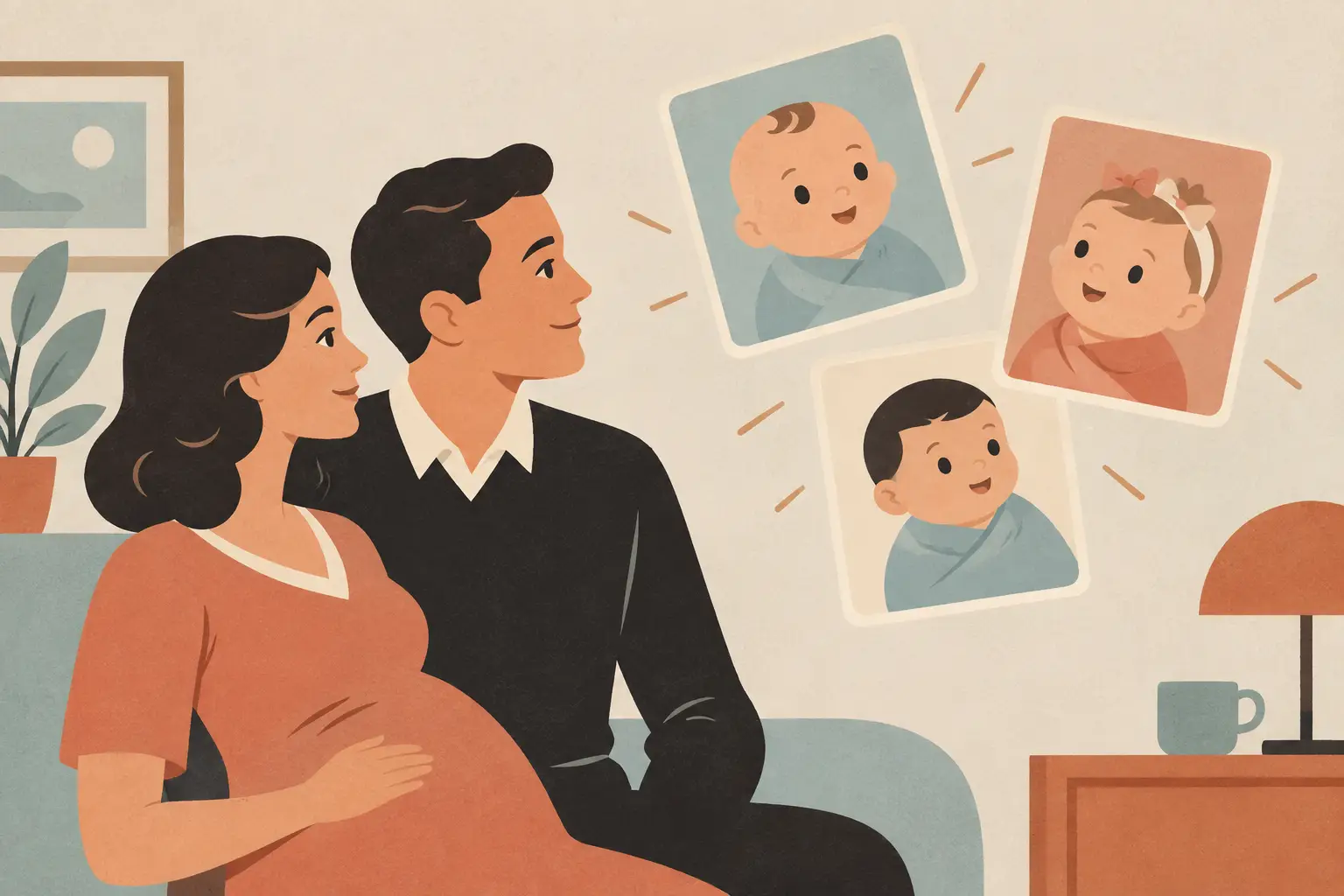
A baby visualizer does not predict your future child. It creates a playful AI-made image from the photos you provide. That distinction is the real problem behind AI baby visualizers compared side by side: people want a sweet, low-effort keepsake, but they also want to know what happens to their photos and whether the result will feel worth sharing.
The right option depends less on which tool promises the most realistic face and more on its photo rules, setup friction, and output style.
Quick answer: AI baby visualizers come in three main types: focused mobile apps, browser tools, and general AI image apps. None of them can show what a real child will look like. They create an imagined portrait from your photos. Choose by photo handling, setup friction, cost model, and output style, and read each tool’s current privacy policy before you upload.
Disclosure: Digital Traffic Labs makes Future Baby AI Generator. We mention it where it fits and explain our criteria, so you can judge every option for yourself.
What is an AI baby visualizer?
An AI baby visualizer is an image-generation tool that uses one or two uploaded photos to create an imagined baby portrait. It is entertainment, not a medical, genetic, or scientific forecast. A real child’s traits come from many genes working together, plus chance, as MedlinePlus Genetics explains in its overview of inherited traits. None of that is visible in a selfie.
That point makes choosing one much simpler. You are not looking for certainty. You are looking for a tool that makes the experiment easy, treats your images with care, and gives you a result that matches the mood you had in mind.
Which kind of baby visualizer fits what you want?
Dedicated mobile visualizers are built around one familiar flow: choose photos, make a few simple selections, then view a generated image. Their strength is focus. If you are on the couch after bedtime or passing a phone around with your partner, a single-purpose experience usually asks less of you than a larger creative suite.
Browser-based visualizers are handy when you do not want another app on your phone, and they can be easier to try from a laptop with photos already stored there. The trade-off is that a web page can feel less convenient when your photos live in your camera roll, and account, payment, and privacy details may be presented differently from one site to the next.
General AI image apps are often the most flexible category. They may let you adjust a prompt, choose a visual style, or create a more imaginative scene around the portrait. That flexibility can be fun, but it also means more choices, more editing, and a greater chance of getting a stylized character rather than the gentle baby portrait you expected.
| What to compare | Focused mobile app | Browser tool | General AI image app |
|---|---|---|---|
| Best for | A quick, guided portrait | Trying without installing anything | Creative control over style and scene |
| Account and cost | Check the store listing | Check the site before uploading | Check the store listing |
| Photo handling | Look for a plain statement on storage | Look for a plain statement on storage and deletion | Look for a plain statement on storage and model training |
| Saving and sharing | Look for save and share options | Look for download options | Look for export options |
| AI labeling | Look for a clear AI-generated label | Look for a clear AI-generated label | Look for a clear AI-generated label |
Why should you compare the photo rules before the result?
The generated image gets the attention, but the upload step deserves the closer look. A tool may ask for clear, front-facing photos, or it may work from less polished snapshots. Clear guidance helps people get a usable result, while a looser process can feel friendlier when you are using the photos you already have.
Before you upload, look for plain-language answers to a few practical questions. Does the service say whether photos are stored? Does it explain whether images are used to improve a model? Can you request deletion? Is there a privacy policy you can read without hunting for it?
If those answers are hard to find, pause. A fun novelty app should not require you to guess how family photos are handled. This matters even more if a picture includes a child, other relatives, or a background that reveals more of your home life than you intended. Choose photos with simple backgrounds, and only use photos of people who agreed.
Is a more realistic result a better result?
Many people compare visualizers by asking which one looks most real. Realism is a slippery target. A highly polished image may be appealing, while a slightly illustrated result may feel warmer, less uncanny, and more clearly playful.
A good result should be judged by whether it feels intentional. Are the facial features coherent? Does the image have obvious distortions? Does the style match the description? And does it feel like a fun “what if” rather than a promise about a real future person? Our guide to what an AI baby face generator can show you covers why a familiar-looking face can still be wrong.
Dedicated visualizers often aim for a consistent portrait format, which makes results easier to compare across attempts. General AI apps may offer more variety, but the output can vary more widely because prompts, filters, and models all influence the image. Treat the output like a fortune-cookie message: enjoyable because it sparks conversation, not because it settles a question.
What friction should you watch for?
The easiest tool is not always the one with the longest feature list. For a quick family moment, friction shows up in small places: mandatory sign-up screens, unclear photo permissions, too many style menus, slow processing, or a result buried behind extra steps.
A focused app can be a better fit when you want one clear action and one clear outcome. A larger app makes more sense if you already use it for photo editing or want to make several kinds of AI art. If you are curious about the wider trend, see which AI photo trends are worth trying.
Consider how you plan to use the image once it is made. If you only want to smile at it together, a simple preview may be enough. If you want to save it, send it to a partner, or make a small keepsake, check the save and sharing controls before you start. A clean experience should not hide the basics behind vague language or pressure you into decisions before you have seen what you are getting.
How do you choose between two similar visualizers?
Use a short decision rule. Choose the focused mobile option if speed and a clear baby-portrait flow matter most. Choose a browser option if you would rather try it without installing an app. Choose a general AI image app if you want creative control and do not mind a little experimentation. Our roundup of baby photo tools worth trying walks through the same trade-offs.
Then check the current listing or site for three things: photo handling information, any account or subscription requirement, and the path for saving your image. Those details change, which is why it is better to verify them when you use a tool than to rely on an old roundup.
Do not spend an evening chasing a “perfect” result. AI images can be charming precisely because they are a little unexpected. Pick the version that makes you laugh, save it if you want it, and move on with your day. For tips on photos that work well, see what a future baby look like app actually does.
How Future Baby AI Generator fits in
We make Future Baby AI Generator, so read this as a description of our own focused mobile option, not a ranking. It is an iPhone app for fun that creates an AI-generated image of an imaginary child from two parent photos.
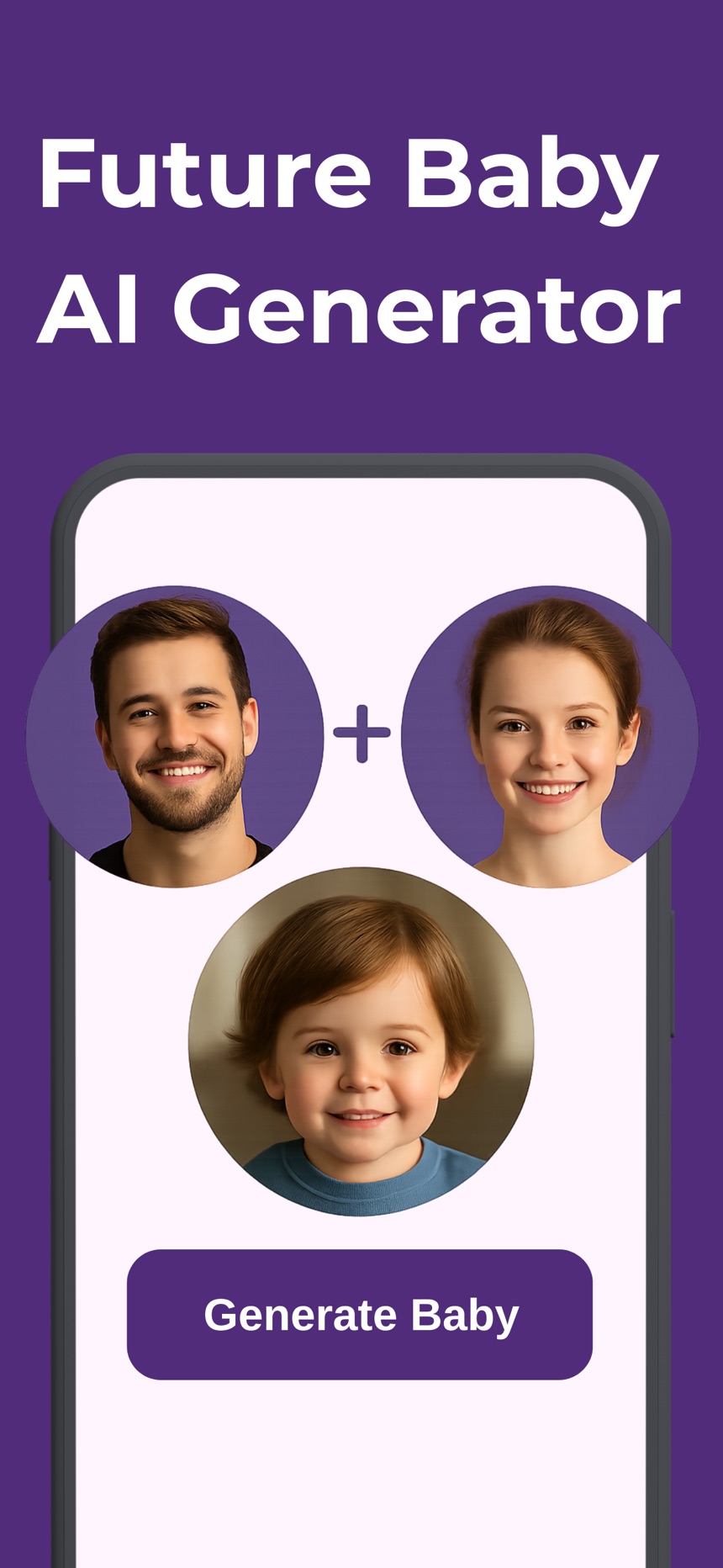
- Photos are used only to create the image and are not stored by the app.
- Every image is labeled as AI-generated, and you can save it to Photos or share it.
- The app is free to download; creating images requires a subscription with credits.
Learn more on the Future Baby AI Generator page or on the App Store.
Frequently asked questions
Are AI baby visualizers accurate?
No. They create an imagined image from uploaded photos and image-generation patterns. They are for curiosity and entertainment, not a prediction of genetics or appearance.
Do I need a dedicated baby visualizer app?
Not necessarily. A dedicated app is useful when you want a quick, guided experience. A browser tool suits people who do not want another download, and a general AI image app suits people who want more creative options.
What should I check before uploading photos?
Read the current privacy information, confirm whether an account or subscription is required, and make sure you understand the saving options. If a tool does not explain how it handles images in plain language, choosing another option is reasonable.
Can a baby visualizer show my baby’s eye or hair color?
No. Eye and hair color are shaped by several genes and can change during early childhood, so no photo-based tool can show them in advance. Any color in a generated image is the model’s choice, not a forecast.
What is a baby visualizer?
A baby visualizer is an AI image tool that uses one or two uploaded photos to create an imagined baby portrait. It is entertainment, not a medical, genetic or scientific forecast of a real child.
Is a browser baby visualizer better than an app?
Neither is better overall. A browser tool is handy if you do not want to install anything, while a focused mobile app is usually faster when your photos are in your camera roll; check account, payment and privacy details either way.