
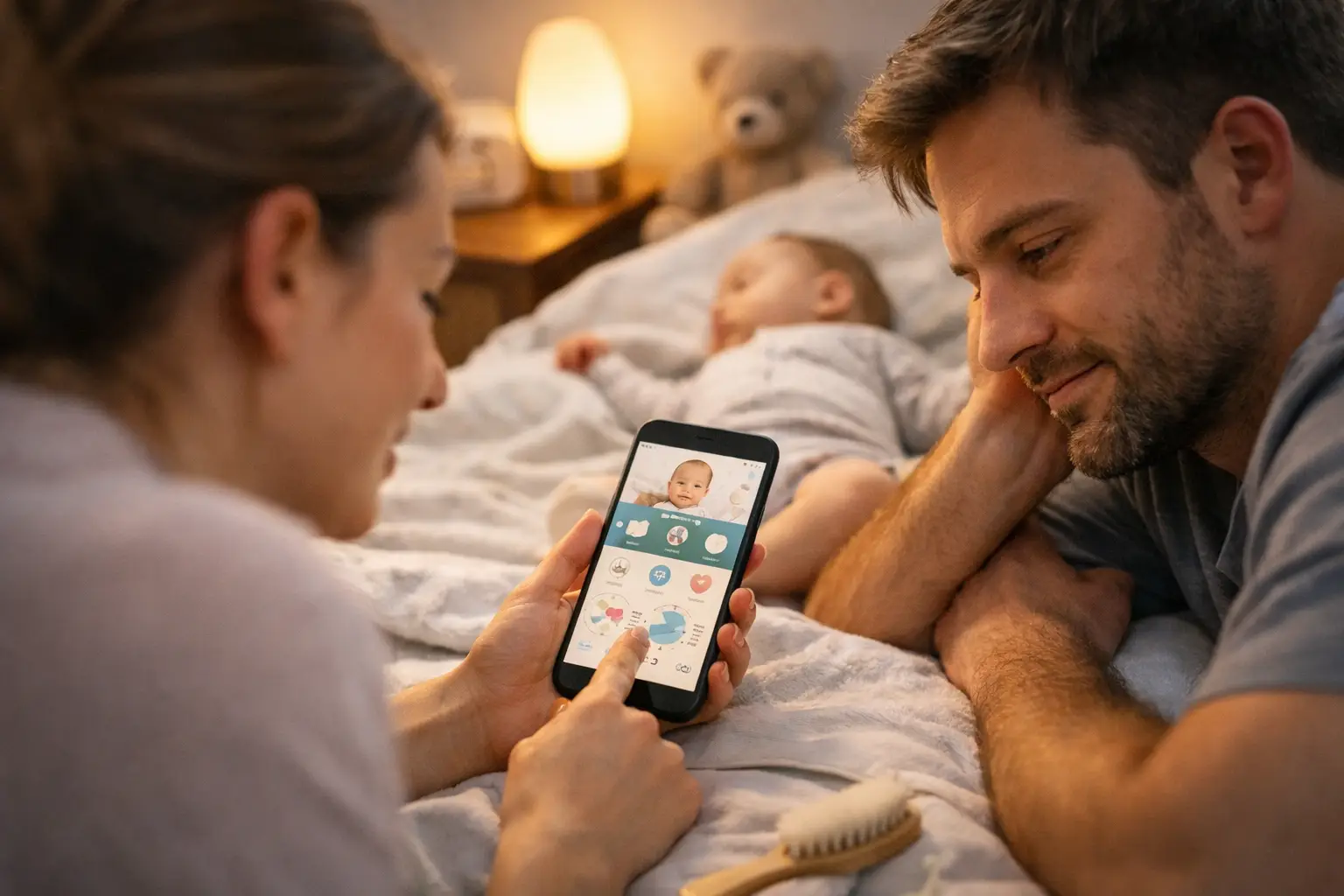
At 3:17 a.m., nobody wants to scroll through a dashboard, build a custom routine, or remember which button starts a timer. The best baby tracker app 2025 parents choose is usually the one they can open half-awake, log in a few seconds, and trust when their pediatrician asks a simple question: “How often is baby feeding?”
A baby tracker is not supposed to turn parenting into a spreadsheet. It is there to remove a little mental load when the days blur together. The right app helps you notice patterns, coordinate with another caregiver, and keep the basics in one easy-to-check place, one nap time at a time.
What Makes the Best Baby Tracker App in 2025?
There is no single best app for every family. A newborn who is nursing around the clock creates different needs than a nine-month-old starting daycare. Some parents need a precise breastfeeding timer. Others mainly want a simple record of naps, bottles, and diapers that both caregivers can see.
Still, the strongest baby tracker apps tend to share one quality: they make frequent logging feel easy instead of like another chore. The features matter, but the number of features is not the point. If an app makes you stop and think before every entry, it probably will not last past the first busy week.
Start with the everyday records you actually expect to use. For most new parents, that means feedings, sleep, diapers, and pumping or expressed milk. A good tracker lets you add those events quickly, then shows the most useful recent information without making you hunt for it.
Speed matters more than it sounds. A one-tap bottle log is more helpful at 2 a.m. than a detailed system with charts you only look at once a month. On the other hand, families working with a lactation consultant, pediatrician, or childcare provider may benefit from more detailed histories and trend views. The best fit depends on what you need to remember and who needs access to it.
Choose Tracking That Matches Your Real Routine
Before downloading anything, think about the moments when you will use it. Most parents do not need every category from day one. They need a clear way to answer the questions that come up repeatedly.
For newborn care, feeding is often the center of the routine. If you breastfeed, look for an app that can time left and right sides separately and remembers where the last feeding ended. If you bottle-feed, make sure entering an amount is quick and clear. If your family does both, flexibility matters more than a highly specialized breastfeeding screen.
Sleep tracking becomes more useful as you begin noticing wake windows and nap patterns. The app should make it obvious when the current sleep started and how long the last nap lasted. A timer is helpful, but it should also be easy to correct later. Babies fall asleep in the car, wake briefly, and surprise everyone. Real life is not always timer-friendly.
Diaper logging is simple, but especially valuable in the early weeks, when wet and dirty diaper counts can help you keep an eye on feeding and hydration. You do not need a complicated report for this. You need an accurate, quick record that is easy to review.
Pumping logs, medicine reminders, solid foods, growth records, and developmental notes can be useful additions. But they are only useful if they support your family rather than crowd the screen. A focused app often wins because it does a few important things well.
Shared Care Is a Make-or-Break Feature
A baby rarely has just one caregiver. Partners trade shifts. Grandparents help for an afternoon. A nanny or daycare may need to know when baby last ate or slept. When everyone is working from different notes, texts, and memory, small details get lost fast.
For many families, the best baby tracker app is the one that makes shared care less confusing. Look for a simple way to keep records current across caregivers, with entries that are easy to understand at a glance. It should answer practical questions without requiring a lesson: When was the last bottle? Which side did baby nurse on? How long was that nap?
Consider how your household will really use the app. If one person does most of the logging and another mainly checks updates, both experiences should feel straightforward. An app can have excellent data tools and still be a poor choice if your partner avoids opening it because it feels cluttered.
There is also a privacy angle. Baby tracking data can be personal, especially when it includes health-related notes. Choose an app from a developer that clearly explains what it collects and gives you a reasonable amount of control. You do not need to become a privacy expert. You just should not have to guess what happens to your family’s information.
Simple Design Beats Feature Creep
Baby apps have a habit of growing. A tracker starts with feedings and diapers, then adds shopping lists, community forums, milestone articles, sleep coaching, photo albums, courses, and notifications for everything. Some families enjoy having one large parenting hub. Others find it exhausting.
If you are searching for a tracker because life already feels full, a lightweight app can be the better answer. Clean screens, readable history, and a few well-placed controls are not basic in a bad way. They are thoughtful.
That is the idea behind focused tools such as FeedRight Baby Tracker: help parents keep up with the daily essentials without turning a quick log into a project. The goal is not to collect more data. It is to make the data you need available when you need it.
A useful test is to imagine using the app while holding a baby. Can you start a feeding timer with one hand? Can you log a diaper without opening three menus? Can you see the latest activity without being interrupted by prompts to try unrelated features? If the answer is yes, the app is built around the reality of caregiving.
Watch for These Practical Details
The small details often decide whether an app stays on your phone. A clear recent-activity timeline is valuable because it gives you context right away. Editable entries matter because tired parents make mistakes, and an app should not make a small correction difficult.
Reminders can help, especially for medication, pumping, or a routine you are trying to establish. But they should be optional and easy to adjust. Babies are not machines, and constant alerts can create more stress than support.
Exporting or sharing records may matter if you want to bring a feeding and diaper history to an appointment. Not every family needs this, but it is worth considering if your baby has feeding concerns, reflux, weight-gain questions, or a care team involved. The key is having the option without making reports the whole experience.
Also pay attention to the app’s starting experience. An app that asks for a long profile setup before you can log the first bottle may be trying to do too much. You should be able to get useful quickly, then add details only if they help.
A Better Way to Pick Your App
Instead of comparing every feature on an app store page, choose based on your biggest source of uncertainty right now. If you keep asking, “When did baby last eat?” prioritize feeding speed and history. If your household is missing handoffs, prioritize shared access. If naps are unpredictable, prioritize a clean sleep timer and timeline.
Use the app for a few ordinary days before deciding whether it works. The first day can feel promising because any new system feels organized. By day three, you will know whether it fits your hands, your schedule, and your attention span. If you are skipping logs because the process feels annoying, switch. That is useful information, not a parenting failure.
You also do not need to track forever. Many parents rely heavily on logs in the newborn stage, then gradually use them less as feeding and sleep patterns become familiar. A good baby tracker supports that season without making you feel dependent on it.
The right app should leave you with one less thing to remember, not one more thing to manage. Pick the tool that helps your family stay on the same page, then put the phone down and enjoy the little moments in between.