
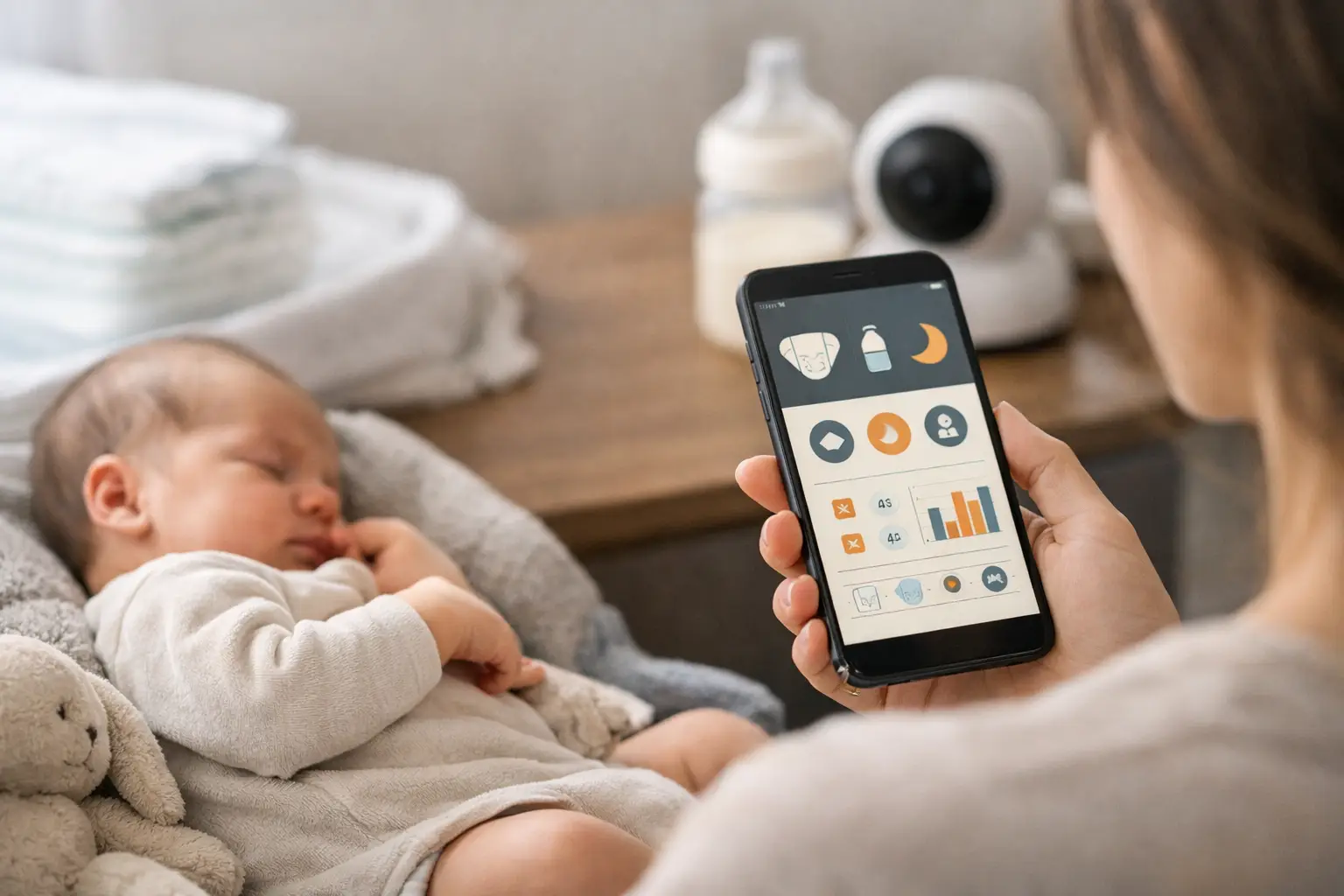
Nobody wants to scroll through a week of text messages just to remember the last wet diaper. A diaper tracking app gives tired parents one small, reliable place to log what happened, when it happened, and what might be changing. That is not about turning baby care into a spreadsheet. It is about removing one more question from a very full day.
For many families, diaper logging starts as a newborn concern and becomes a surprisingly useful routine. In the early weeks, diaper output offers a quick picture of feeding, hydration, and digestion. Later, it helps you notice changes before the days blur together. Track enough to feel informed, then let the app stay quietly in the background.
Quick answer: A diaper tracking app eases newborn days by letting you log each wet or dirty diaper in one tap, so you can see the last change and the day’s pattern without relying on memory. A shared log keeps both parents in sync, and a clear history helps you describe changes to your pediatrician. It is a memory aid, not a medical tool.
This guide is general information, not medical advice. Every baby is different, so ask your pediatrician or health visitor about your own baby.
What is a diaper tracking app actually for?
A diaper tracking app lets you record wet diapers, dirty diapers, or both with a quick tap. Some apps also let you add notes about color, consistency, or anything unusual you want to remember. When the information is stored by time and date, you can see the day at a glance instead of relying on a sleep-deprived memory.
That record is especially helpful in the first days at home. New parents are learning feeding cues, recovering from birth, managing visitors, and sleeping in short stretches. A simple log creates a shared source of truth. If one parent handled the last change, the other does not have to guess.
It also makes conversations with a pediatrician easier. Rather than reconstructing the last 24 hours from memory, you can describe a clear pattern. An app cannot tell you whether something is wrong, but accurate notes help you ask better questions when you need professional guidance.
Why does the pattern matter more than a perfect count?
Parents sometimes worry that tracking will create pressure to hit a number. It should not. Babies are people, not dashboards, and normal diaper habits vary by age, feeding method, health, and the particular day you are having. If you want a baseline, our guides to how many wet diapers a day is normal and the newborn diaper output chart cover typical ranges.
What logging is good at is showing change. Maybe your baby usually has a steady pattern, then suddenly has far fewer wet diapers. Maybe a new food, formula change, medicine, or stomach bug lines up with a noticeable shift in dirty diapers. Those details are easier to see in a short history than in a tired parent’s mental recap.
If you have any concern about dehydration, blood in a diaper, ongoing diarrhea, constipation, fever, pain, or a major change in your baby’s usual behavior, contact your pediatrician. Tracking can support that call, but it should never replace it. Trust your instincts, especially when something feels off.
A quick way to read what the log shows:
| What you notice | What to do |
|---|---|
| Your baby’s usual pattern | Use it as a baseline, not a target |
| A shift in dirty diapers after a new food, formula, medicine or stomach bug | Add a short note so you can describe it later |
| Far fewer wet diapers than usual, or any worry about dehydration | Contact your pediatrician |
| Blood in a diaper, ongoing diarrhea or constipation | Contact your pediatrician |
| Fever, pain or a major change in usual behavior | Contact your pediatrician |
Why does shared logging make home life easier?
The practical value of a diaper tracker often has less to do with diapers and more to do with teamwork. Newborn care is a relay race. One person changes the baby, another gives a bottle, a grandparent steps in for an hour, and suddenly everyone is asking the same question: “When was the last diaper?”
A shared log cuts down on those little handoffs. It prevents duplicate changes, reduces unnecessary wake-ups, and lets each caregiver step away without leaving a detailed verbal report. That is a small win, but small wins matter when your household is running one nap at a time.
This is particularly useful for parents working different shifts. If one parent takes the early morning stretch and the other handles bedtime, a timestamped record fills the gap between them. You spend less energy coordinating and more energy taking care of yourselves and your baby.
There is a trade-off, of course. If logging feels like one more task to manage, it gets annoying fast. The goal is not to document every detail forever. It is to make the moments you are already handling easier to remember and share.
What should you look for in a diaper tracking app?
For something you may use with one hand while holding a baby, speed matters more than a long feature list. The best app for your family is usually the one you can open, understand, and use immediately.
Look for a clean screen with clear choices for wet and dirty diapers. A quick timestamp is helpful, as are optional notes for days when you want more context. If multiple caregivers are involved, simple sharing or syncing can be worth more than advanced charts you will never open.
It also helps if the app supports the rest of your routine without demanding attention. Many parents prefer a focused baby tracker that keeps diapers, feedings, and sleep in one easy place.
Be cautious about apps that make basic tracking feel like paperwork. You probably do not need dozens of custom fields, social features, or a screen full of buttons. More options can help some families, especially when managing a medical need with a care team. For most parents, fewer taps means you are more likely to keep using it.
How do you start tracking diapers without pressure?
- Start with wet and dirty diapers only.
- Log each change as it happens for the first few days.
- Add a note only when there is something you want to remember, such as a new rash, an unusually loose stool, or a question for an appointment.
- Agree with your partner or caregiver that whoever changes the diaper logs it, or adds it later if the moment is chaotic.
- If you miss one, skip it and begin again with the next diaper.
If you are also tracking feedings or sleep, use those entries to understand the rhythm of the day, not to judge yourself. Parenting has enough imaginary scorecards already. And if notes keep mentioning redness, here is how to prevent diaper rash overnight.
Your needs may change quickly. Some families track closely for the first couple of weeks, then use the app only when a baby is sick, starting solids, or adjusting to a new daycare schedule. Others keep it as part of a broader daily routine for months. For the basics of the change itself, the NHS has a clear guide on how to change your baby’s nappy.
When is it okay to stop tracking diapers?
Diaper tracking has a natural expiration point for many families. Once feeding is established, your baby is growing well, and your pediatrician has no concerns, you may not need a detailed log anymore. That is a good outcome. The tool did its job.
You can always come back to it when life gets less predictable. A new caregiver, a health concern, travel, a diet change, or potty-training questions later on can all make a simple record useful again. The best tools fit real life instead of asking real life to fit the tool.
A diaper log will not make the newborn stage tidy, quiet, or fully predictable. But it can make one ordinary part of the day easier to carry.
How FeedRight helps
FeedRight Baby Tracker is built around quick daily logging rather than piling on complicated settings. Diapers, feeds, and sleep live in one free log that needs no account and works offline.
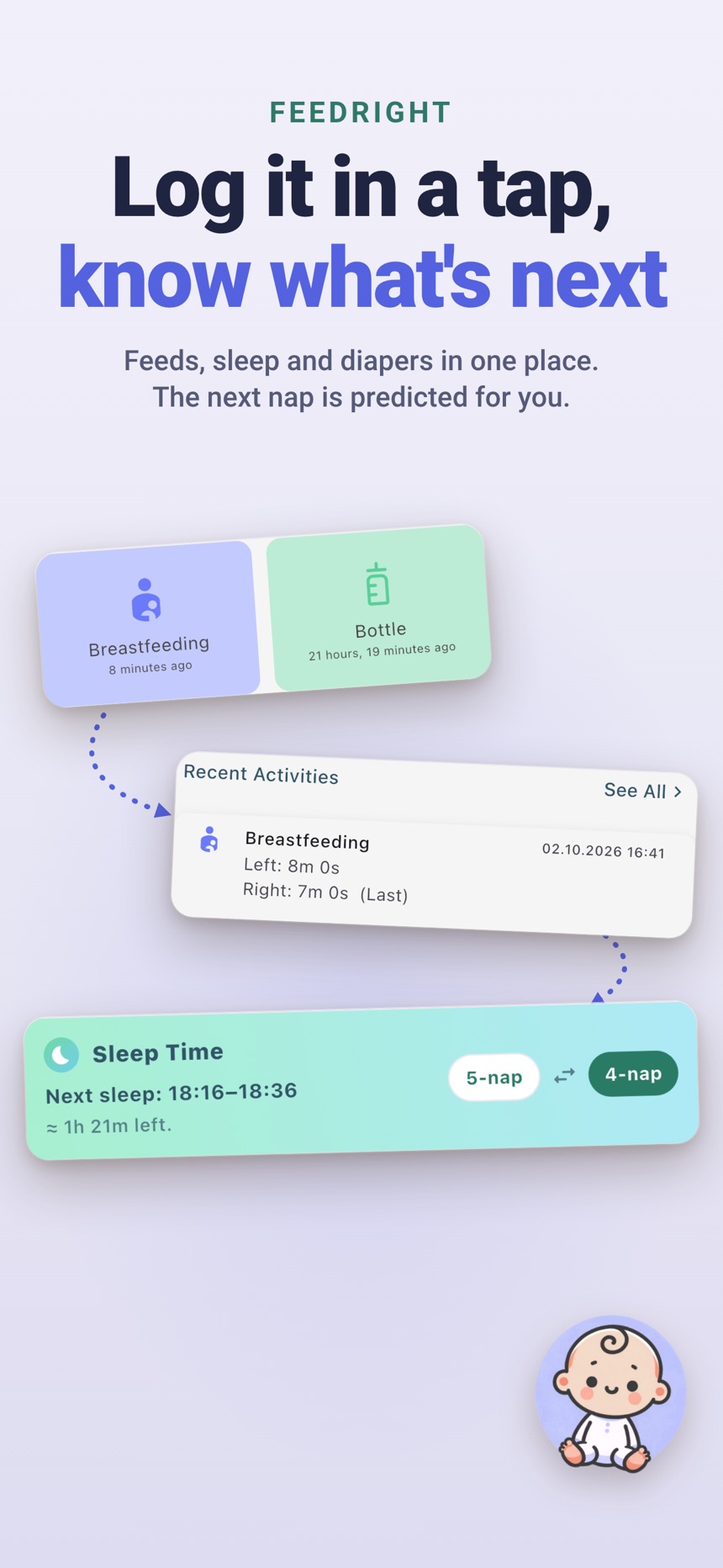
- Log a diaper as wet, dirty, or both in one tap.
- See diapers next to feeds in the daily summary and history.
- Set a diaper check reminder, and invite a partner or other caregivers with a code or QR code; FeedRight Premium, an optional subscription, keeps both phones in sync.
Get FeedRight on the App Store or Google Play.
Frequently asked questions
Do I need to track my baby’s diapers?
It is most useful in the first weeks, when wet and dirty diapers help show that feeding is going well. Many parents track closely at first and stop once feeding is established and the pediatrician has no concerns.
What should I log for each diaper?
The time and whether it was wet, dirty, or both. Add a short note only when something stands out, such as an unusual color, a rash, or a very loose stool.
Can a diaper tracking app tell me if my baby is dehydrated?
No. A log can show that wet diapers have dropped, but it cannot diagnose dehydration. Call your pediatrician if you notice fewer wet diapers, a dry mouth, or unusual sleepiness.
Can two parents share one diaper log?
Yes, many baby tracker apps let a partner or caregiver share the same log, so everyone sees the last change. Check how sharing works before you choose an app.
Is there an app to track feeding and diapers together?
Yes. Many baby tracker apps log feeds and diapers in the same timeline, which makes it easier to see whether feeding and diaper output line up. FeedRight, for example, logs feeds, sleep and diapers (wet, dirty or both) in one tap on iPhone and Android.
How many wet diapers should a newborn have?
Wet diapers start low in the first days, often about one per day of life, and after the first week many babies have six or more in 24 hours. Ask your pediatrician what is right for your baby.