
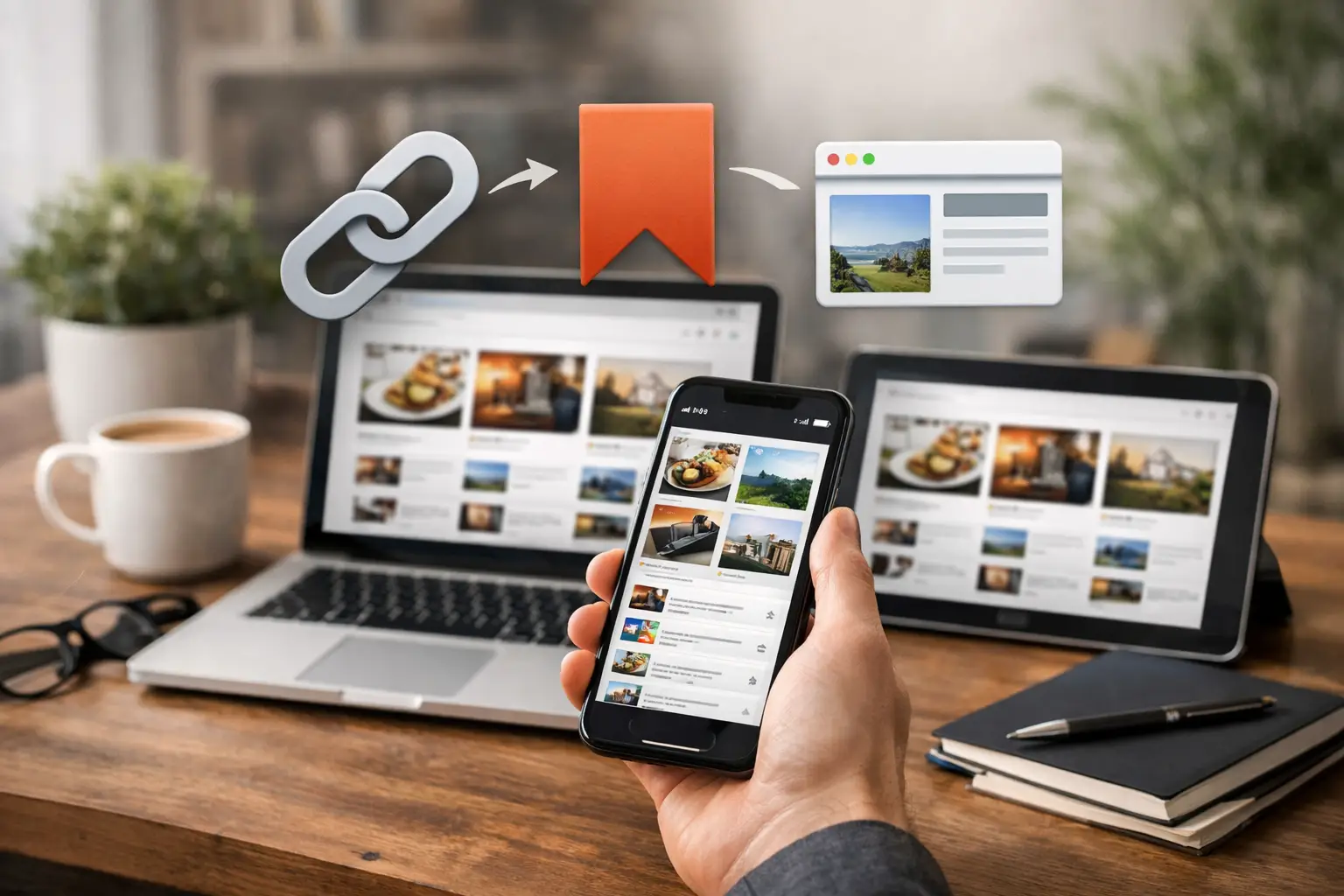
A recipe you want to make this weekend. A baby sleep article you want to reread before bedtime. A gift idea, a local contractor, a video someone sent in the group chat. The best app to save links is not necessarily the one with the most features. It is the one that lets you save something in seconds, then actually find it when life gets busy.
Most people do not have a link-saving problem because they lack places to store links. They have a retrieval problem. Browser bookmarks pile up. Tabs stay open for days. Messages become accidental filing cabinets. A useful app gives those small, worth-remembering finds one simple home.
Quick answer: The best app to save links is one you can save to in two taps from your phone’s share menu, that sorts saves into a few simple collections, and that lets you search everything later. For most people, a dedicated link-saving app works better than browser bookmarks or a long note full of URLs, because saving and finding live in one place.
Disclosure: Digital Traffic Labs makes SocialMarks. We mention it where it fits and explain our criteria, so you can judge every option for yourself.
What should the best app to save links do?
A link saver should remove friction, not create a new project. If saving a page requires choosing from 12 fields, adding tags, writing a note, and selecting a color, most of us will skip it. The moment passes, the tab gets buried, and the link disappears into the internet-shaped mess.
Start with the basics: fast saving, clear organization, and easy search. Those three things matter more than an enormous menu of features.
Fast saving means you can send a page from your browser or another app into your link app without copying, pasting, and rearranging text. Whether you are on your couch, waiting in the school pickup line, or trying to remember a recommendation before bedtime, the save action should feel immediate. We walk through the habit itself in simple ways to save links while browsing on your phone.
Clear organization means you can make sense of what you saved without becoming a professional librarian. Simple folders or collections are usually enough, with labels that make sense to you at a glance. If recipes are most of what you save, our guide to saving recipe links on your phone goes deeper.
Easy search matters because folders are helpful until you forget where you put something. A good search bar turns “Where was that article about toddler snacks?” into a quick answer instead of 10 minutes of scrolling through old texts.
Why save links where your life already happens?
The best system is the one you will use consistently. For mobile-first users, that usually means an app designed around the phone, not a desktop tool squeezed onto a smaller screen.
Think about how links show up in a normal week. You might find a useful page in Safari or Chrome, get a product recommendation by text, spot a restaurant on social media, or open an article from an email. If your saving process changes every time, it will not become a habit. Social posts are the trickiest; see how to save Instagram links without the mess.
Look for an app that works with your phone’s share menu: see something useful, tap Share, save it, move on. The less effort it takes to save, the more likely you are to build a collection you can trust.
Browser bookmarks still have a place
Browser bookmarks are fine for pages you use constantly, like your bank login, your child’s daycare portal, or a favorite grocery store. They are less useful for the steady stream of articles, products, videos, guides, and ideas you want to revisit someday.
Keeping everything in browser bookmarks can make your browser feel crowded. It also makes browsing and organizing feel like the same task. A dedicated app gives saved links their own space, so your browser can stay focused on what you are doing right now. If your bookmarks already feel out of control, start with five simple ways to organize bookmarks on your phone.
Notes apps can work, with limits
A notes app is another common fallback. It is flexible, especially if you want to add thoughts next to a link. But a long note full of URLs can become hard to scan, and links often lose their context once they are mixed into shopping lists, meeting notes, and reminders.
If you save only a few links a month, a note may be all you need. If you save links often and want to sort them by topic, a focused link app will usually feel calmer and easier to maintain.
How the common options compare
| Option | Good for | Where it falls short |
|---|---|---|
| Open tabs | A page you need in the next hour | Tabs get closed, reloaded, or buried |
| Browser bookmarks | Sites you visit every week | Only catches pages from that browser; folders pile up |
| Notes app | A handful of links with your own thoughts | Long notes are hard to scan and search |
| Read-later app | Articles you plan to read | Less helpful for videos, places, and products |
| Dedicated link-saving app | Everything you save from any app | One more app to choose and get used to |
Should you use folders, tags, or both?
There is no single perfect way to organize links. Some people like folders. Others prefer tags. A few want both. The key is choosing a setup you can remember without thinking too hard.
For most people, start with five to eight broad folders. You can always add more later, but beginning with too many categories creates hesitation. Is that easy dinner idea a Recipe, Family, Healthy Eating, or Weeknight Meals? When the answer is unclear, saving stops being quick. A simple setup might include:
- Read Later
- Recipes
- Shopping
- Family and Kids
- Travel and Local
- Home Ideas
- Work or Side Projects
If a link could fit in two places, pick the first one that feels right. Perfect organization is not the goal. Finding the link later is.
A short note helps when the title does not tell the whole story. Something like “pediatrician-approved snack list” or “ask Dad if he likes this one” gives the saved link a reason to exist. Keep notes optional, though. If every save demands a description, the app becomes homework.
Which link-saving app fits your habit?
A “best app to save links” search can make it seem as though there is one winner for everyone. There is not. The right choice depends on what you save and how you expect to use it later.
If you mostly save articles to read, prioritize a clean reading view and a reliable way to mark items as finished. Our roundup of Pocket alternatives for saving links covers that style of app. If you save shopping ideas, recipes, places, and recommendations, folders, search, and easy sharing may matter more. If you collect resources for a hobby, family plans, or a side project, look for a simple way to group related pages without turning the app into a complicated workspace.
The trade-off is usually between power and ease. Apps built for researchers and heavy productivity users can offer deep tagging, automation, collaboration, and detailed metadata. They also add screens, settings, and decisions that casual users do not need. For everyday use, simpler is often better. You want an app that feels obvious enough to use while holding a coffee, a baby, or a grocery basket.
How can you test a link app before you commit?
- Save 10 real links from your life: an article, a product, a recipe, a location, a video, and a few things you genuinely want to remember.
- Put them away with whatever organization feels natural in the app.
- Come back a few days later and try to find three of them.
- Ask yourself: did you remember where they went, did search help when you did not, and does the app still feel pleasant to open?
That short test tells you more than a long feature comparison. The good one will make you think, “I know exactly where that is.”
How do you keep saved links useful, not just stored?
Saving is only half the habit. A little cleanup keeps your collection from becoming another digital junk drawer. Take a minute now and then to delete links you no longer need, move a useful item into the right folder, or mark something as read.
It also helps to treat saved links as a place for intention, not fear of missing out. You do not have to save every interesting thing you see. Save the things you may act on, learn from, share, or enjoy later.
How SocialMarks helps
We built SocialMarks around that everyday need. It is an iPhone app that saves posts and links from Instagram, TikTok, YouTube and the web through the share sheet, then reads them for you (only after you agree), so a saved video can become a recipe you can cook, places on a map, or an organized, searchable save. It is free to use, with no ads.
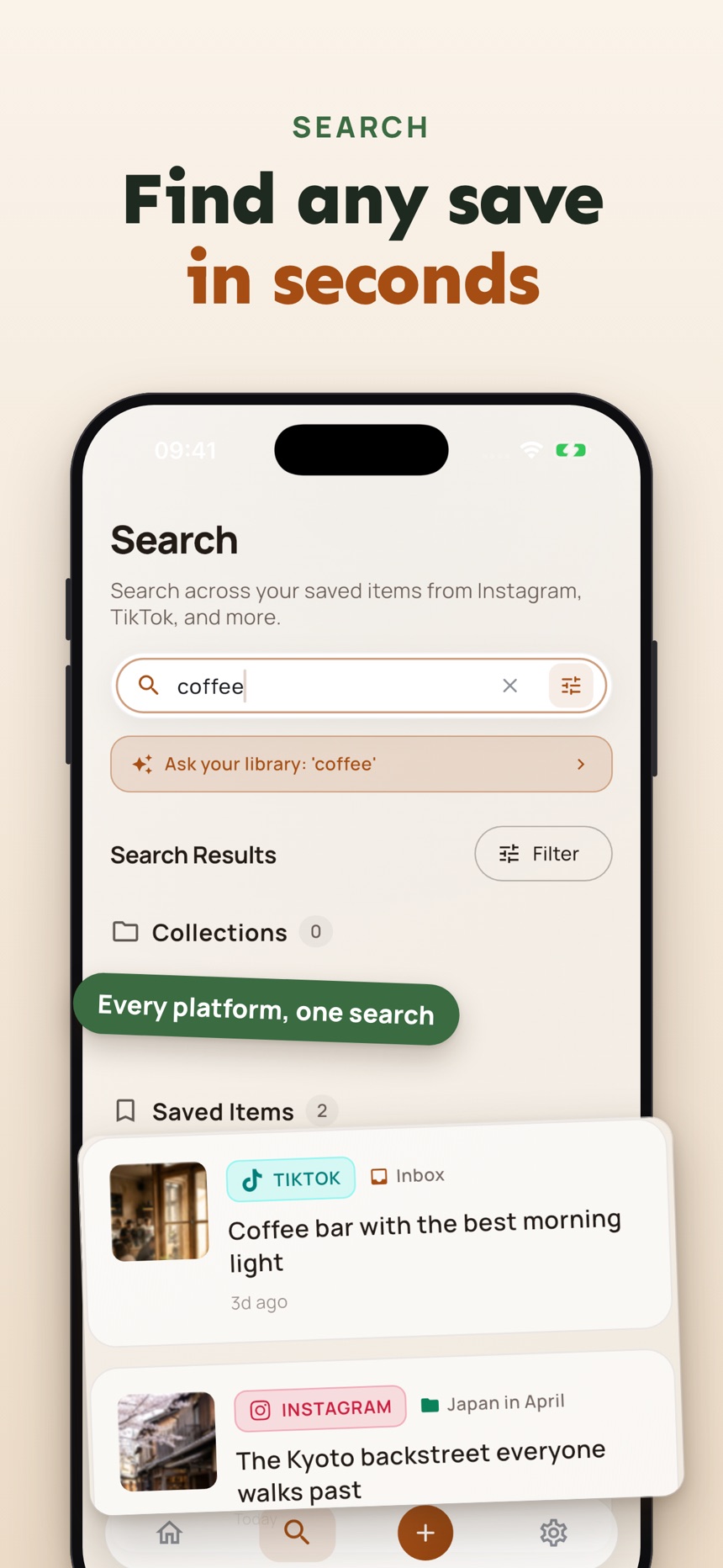
- Save from any app in a couple of taps, including screenshots and photos.
- Collections and one search across everything you saved from every app.
- A Private Vault locked with Face ID or Touch ID for saves you want to keep to yourself.
You can get SocialMarks on the App Store for iPhone and iPad. The best link-saving habit is a small one: give useful pages one dependable home, use plain categories, and trust yourself to save what matters.
Frequently asked questions
What should I look for in an app to save links?
Look for three things: fast saving from your phone’s share menu, simple collections or folders, and search that finds a link even when you forget where you put it. Extra features matter less than how easy the app is to use every day.
Are browser bookmarks good enough for saving links?
Browser bookmarks work well for sites you visit often. They are less helpful for the stream of articles, videos, recipes, and products you find in other apps, because they only catch pages opened in that browser.
How do I stop losing links I save on my phone?
Pick one place for every link and save to it from the share menu the moment you find something. Use a few broad categories and take a minute now and then to clear out what you no longer need.
Is SocialMarks free?
SocialMarks is free to use, with no ads and no account needed. An optional SocialMarks Pro subscription removes the weekly save and collection limits and adds features such as iCloud sync and Ask Your Library.
What is the best way to save links?
The best way to save links is to send every link to one dedicated place from your phone’s share menu, sort it into a few broad collections, and add a short note when the title is not enough. Saving and finding in the same place is what makes links easy to use later.
How can I save and share interesting links?
Save interesting links to one app or collection as you find them, then share a single link or a whole collection when someone asks, instead of forwarding posts one by one. Some link apps can share a collection as a web page, which works well for lists of recommendations.